7
in.tune instructions
Correct handling
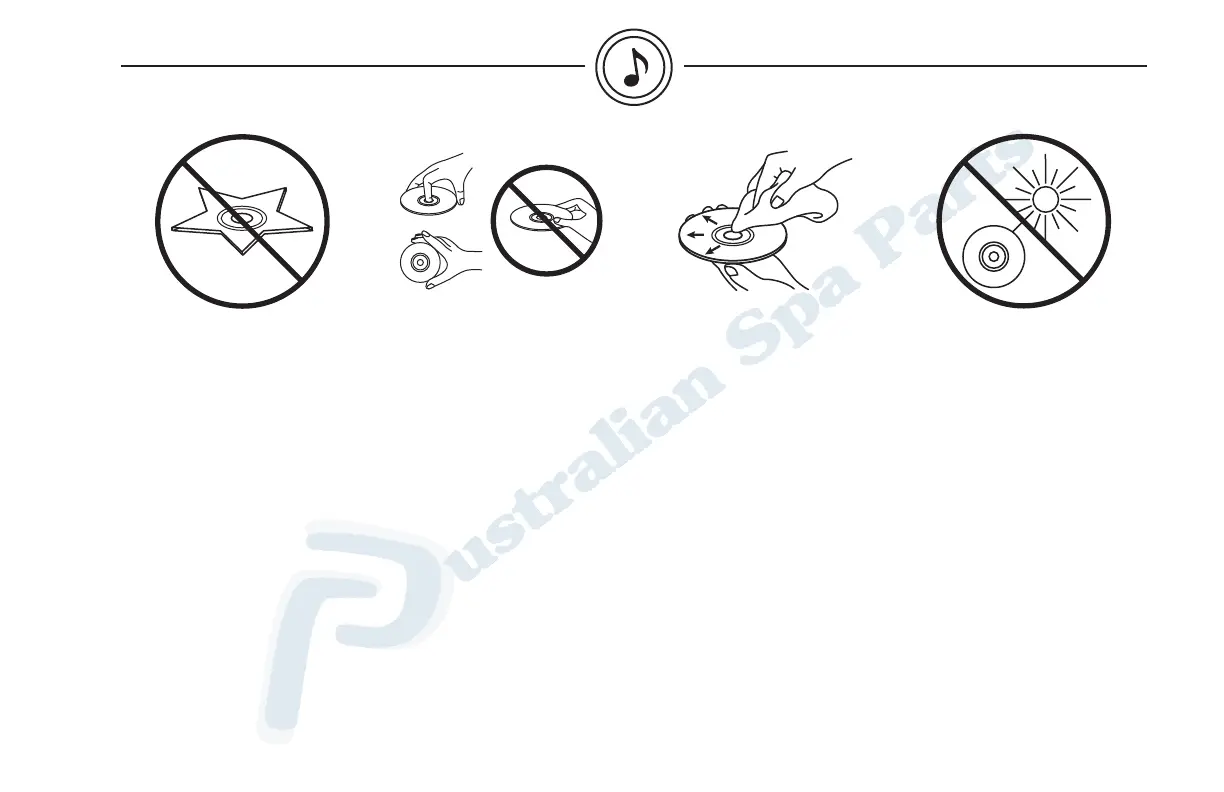
Handle the disc by its edge.
To keep the disc clean, do not
touch the surface. Never stick
paper or tape on the surface
of the disc or mark the surface
with a pencil or pen.
Disc cleaning
Fingerprints, dust or soil on
the surface of the disc could
cause the CD player to skip. To
remove these, wipe the playing
surface with a clean, soft cloth
from the center of the disc to
the outer edge.
Never use solvents, such
as commercially available
cleaners, anti-static spray or
thinner to clean discs.
Storage
Do not expose discs to direct
sunlight or any heat source.
Do not expose discs to excess
humidity or dust.
Irregular shaped discs
Be sure to use round shape
discs only for this unit and never
use any special shape discs.
Using a special shape disc
may cause damage to the
mechanism.
about compact discs


 To Next Page