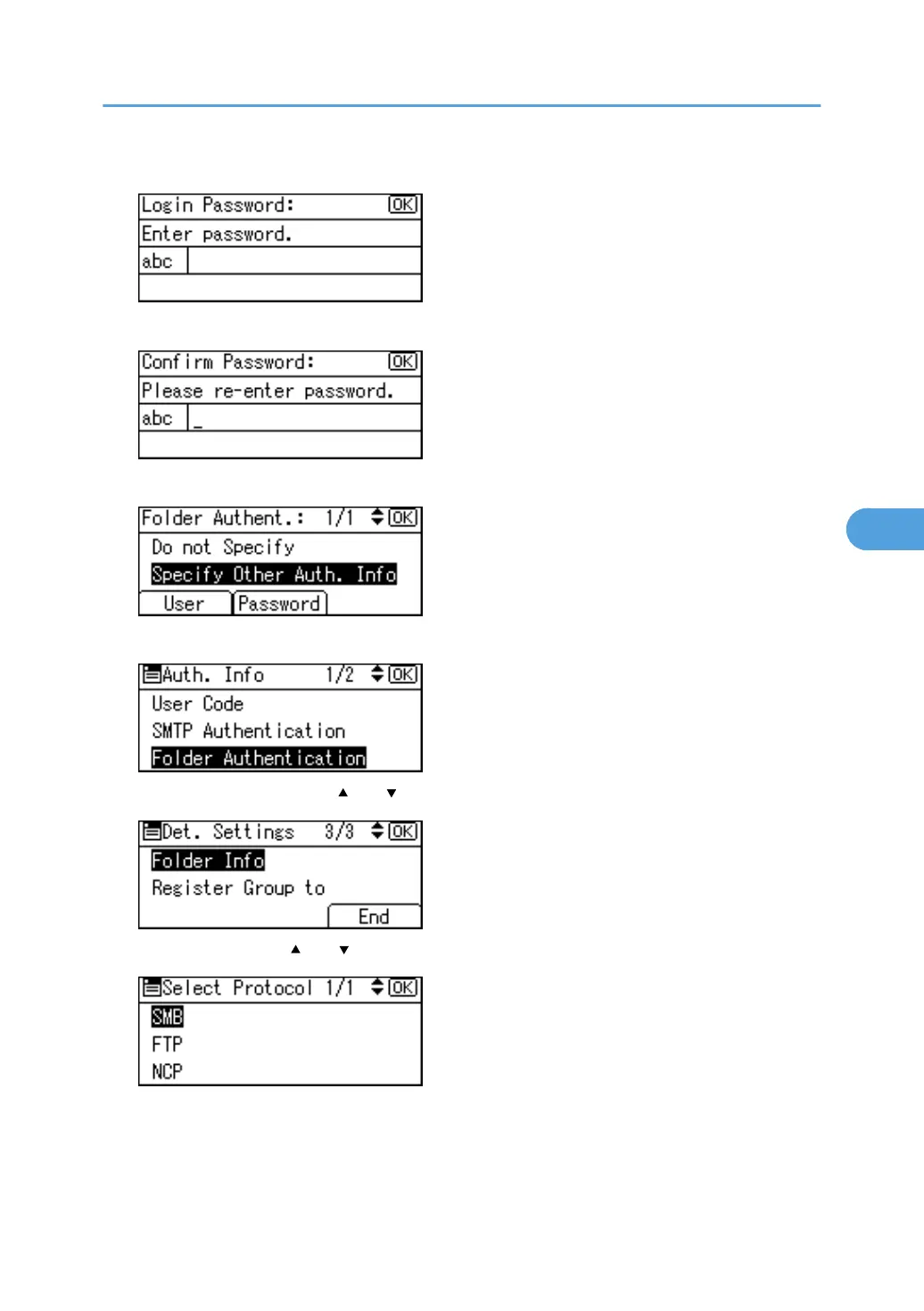
14. Enter the password, and then press the [OK] key.
15. Enter the password again to confirm, and then press the [OK] key.
16. Press the [OK] key.
17. Press the [Escape] key.
18. Select [Folder Info] using [ ] or [ ], and then press the [OK] key.
19. Select [SMB] using [ ] or [ ], and then press the [OK] key.
Registering Folders
283



 To Next Page