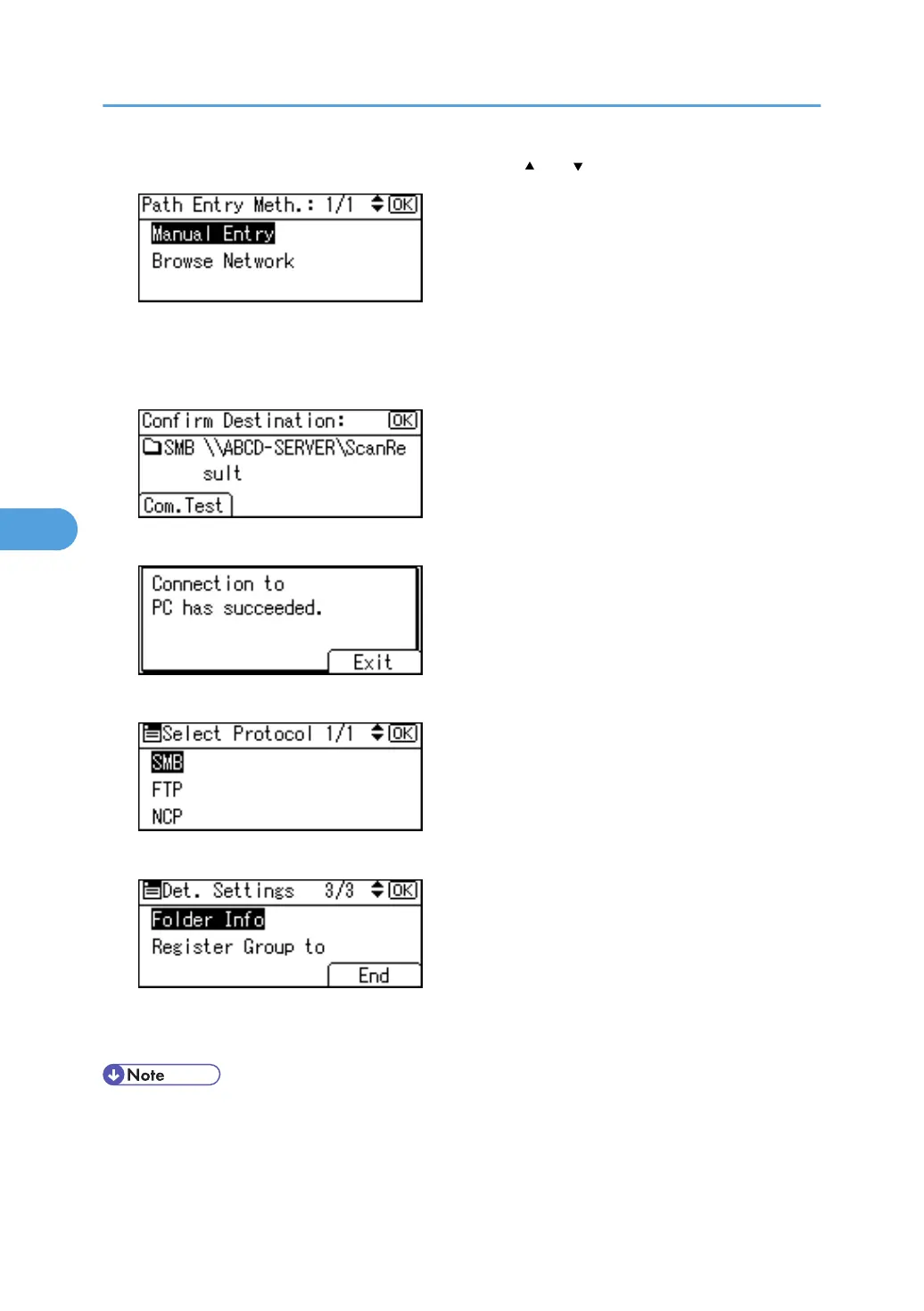
20. Select [Manual Entry] or [Browse Network] using [ ] or [ ], and then press the [OK] key.
To specify a folder, you can either enter the path manually or locate the folder by browsing the
network. See "Locating the folder manually" and "Locating the folder using Browse Network".
21. Press [Com.Test] to check the path is set correctly.
22. Press [Exit].
23. Press the [Escape] key.
24. Press [End].
25. Press the [Escape] key.
26. Press the [User Tools/Counter] key.
• To register the name, see "Registering Names".
• You can enter up to 64 characters for the user name.
• You can enter up to 64 characters for the password.
5. Registering Addresses and Users for Facsimile/Scanner Functions
284



 To Next Page