16
Troubleshooting
14
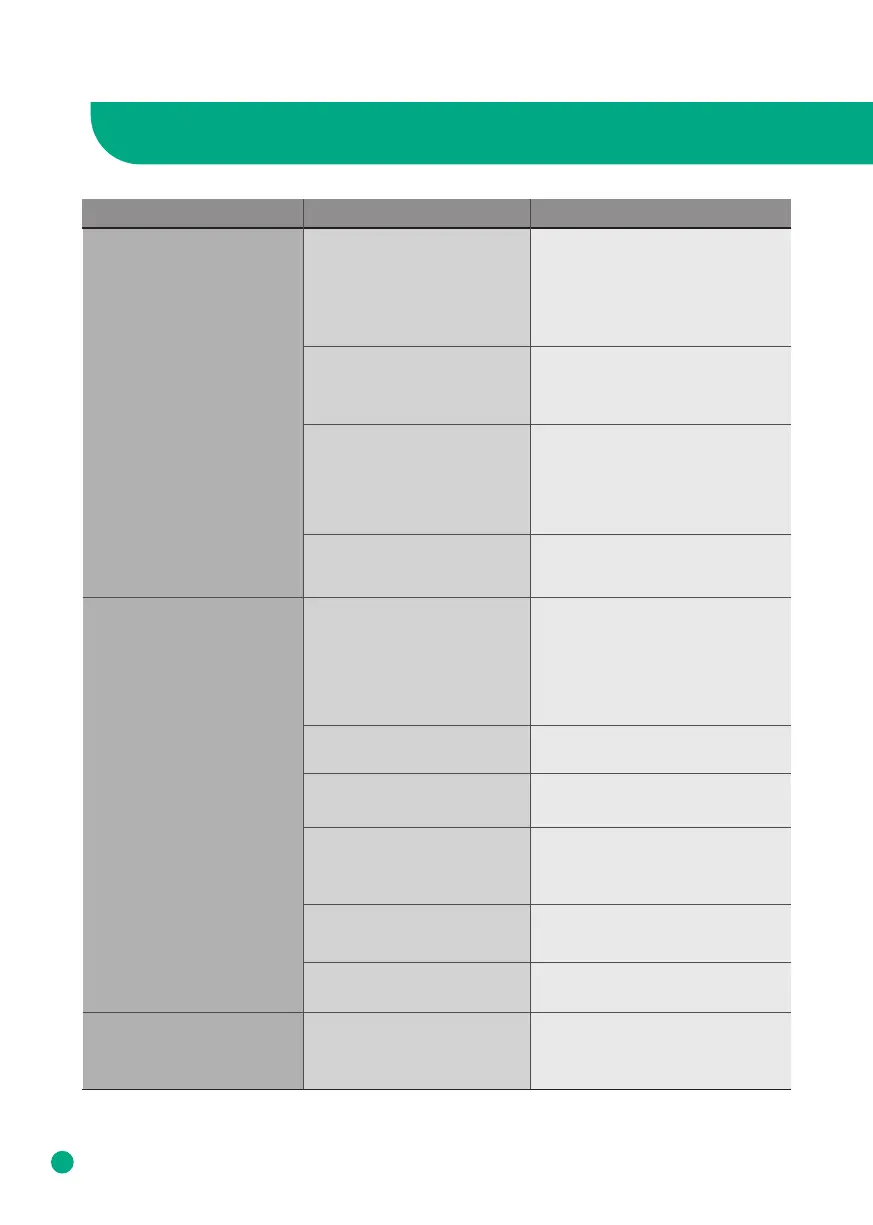
Problem RecommendationChecklist
Coming out nasty smell
The air purifier is not
purifying the area well.
The filter replacement
alert is still blinking after I
changed the filter.
Is the air purifier in a place
with a lot of smoke and odor?
The performance of the air
purifier may decrease over time
if there is excessive smoke and
odor in the area. To remedy this,
please air out the room before
using the air purifier.
Should I clean or replace
my filter?
Check the filter replacement
indicator and clean or replace
the filter if necessary.
Do you smell plastic?
It is common that in the first
uses the smell of plastic will be
emitted.
It will eventually go away. If not,
please contact our customer
service centers.
Is there a burning smell?
Turn o your air purifier, unplug
it from the wall and contact our
customer service center.
The air purifier may be
placed in an area with no
ventilation, or there is an
obstacle near it.
Ventilate the room and then use
the product. Use the product in
an area not exceeding its cover-
age limit.
(Avoid placing the device where
it is well ventilated like a door or
window.)
Is there any dust in the
pre-filter?
Wipe the Pre-Filter
Are there any objects
blocking the air intake/vent?
Have you removed the filter
from it's packaging?
The plastic bag of the filter may
not have been removed, so
please open the cover and check
if the plastic bag is removed.
Is the filter dusty? Maybe it is
time to replace the filter.
Change the filter if it looks like it
needs to be replaced.
Is intake/vent dusty? Clean the air vent/intake.
Have you reset the filter
change button?
Press and hold the power button
for 7 seconds to reset the filter
replacement alert.
Please remove any objects from
the intake/vent.
Note : If these suggestions do not work accordingly, please contact Afloia customer service and
await instructions. Do not disassemble, repair or fix anything by yourself.



 To Next Page