5
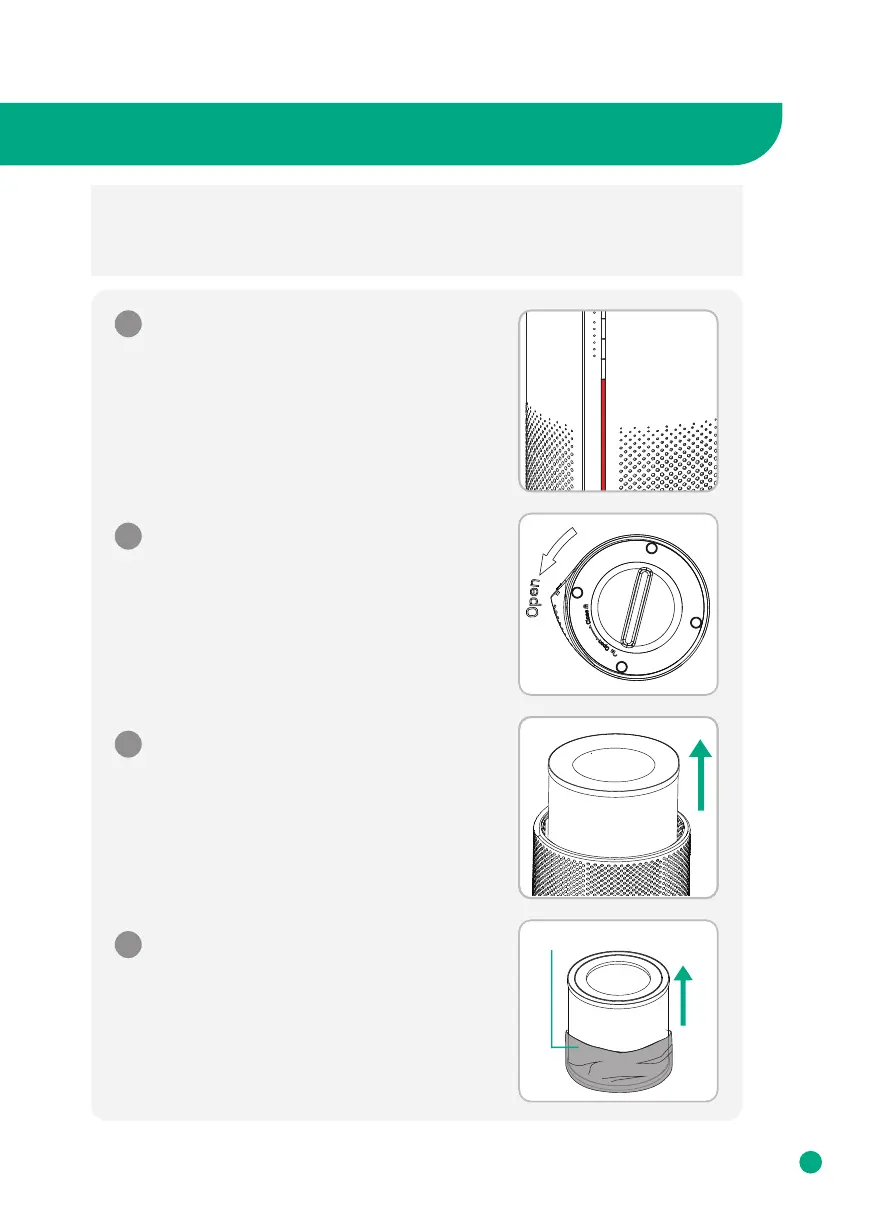
How to Replace Filter
* Note :
• Please remove the packaging from the filter before using it.
• Ensure the machine is unplugged before removing or installing the filter.
• Please wipe the dust on the filter regularly, do not wash or use it repeatedly.
• Please do not use other filters that are not designed for this air purifier.
1
Invert the machine, and rotate the base
along the direction marked "OPEN".
2
Take out the old filter from the air purifier.
3
Remove the packaging around the new filter.
4
Packaging
When the LED light keeps flashing in red,
it means the filter needs to be changed.



 To Next Page