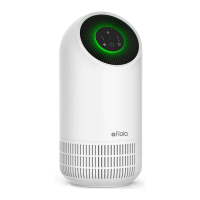
Button Description
7
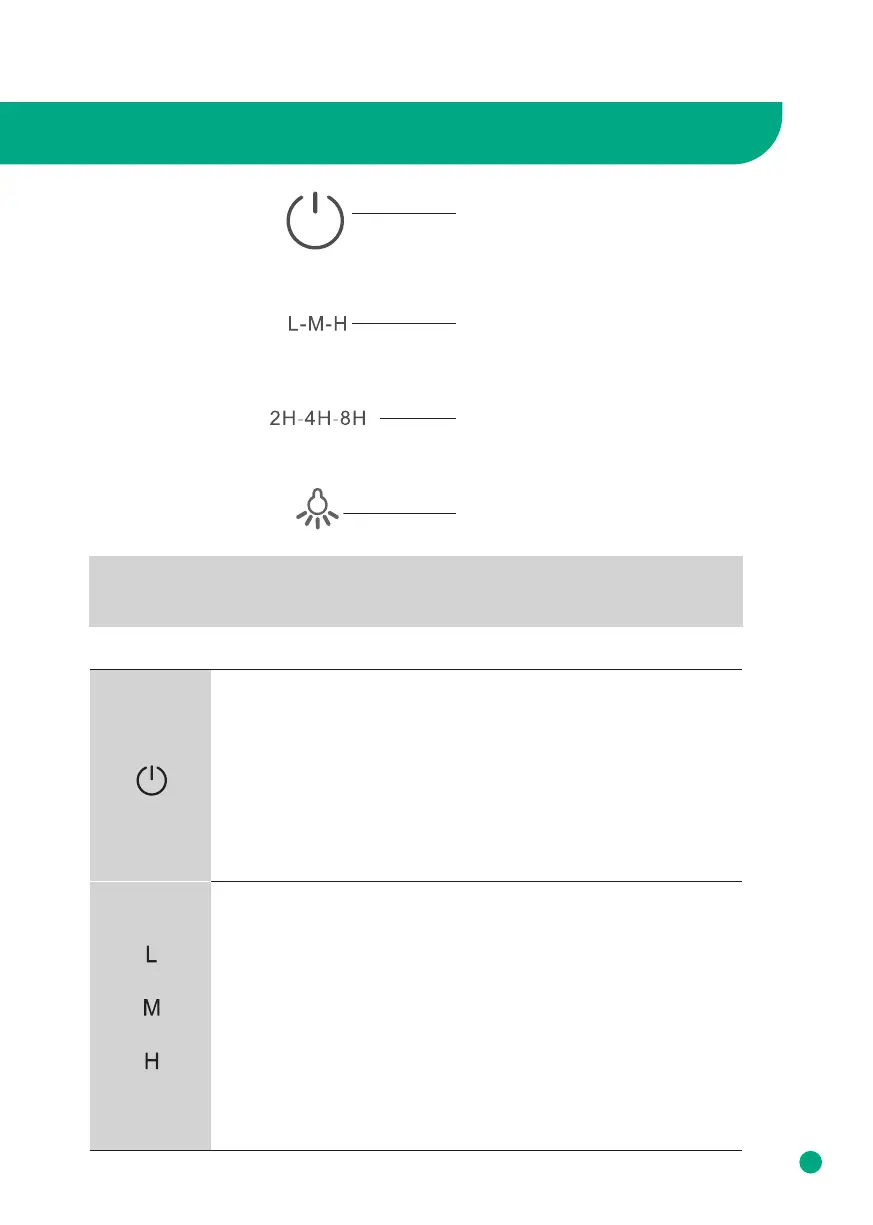
Names and Functions of Control Panel
Timer Button
Light Control Button
Fan Speed Button
Power Button
* Note
When the machine connects to the power outlet, it will beep for once, the lamp will turn
on for 1 second and then turn o, this means that the air purifier is powered on.
Power Button
1. Touch the power button for once to turn on the air purifier, it will beep
for once, the lamp will turn on, the default fan speed will be low.
2. Touch the power button again, the air purifier will beep for once, then
turn o, the fan will stop working.
(Note: Without unplugging the power plug, turn o the air purifier and
turn it on again, the fan speed defaults to the working state before
shutting down.)
Fan Speed Button
There are 3 options for fan speed. H or High, is the fastest fan speed. M
or Moderate, is the second fastest fan speed. L or Low, is the lowest fan
speed and most quiet.
To switch the fan speed, press again to adjust the wind speed among
the circulation of L, M, and H mode, the corresponding indicator will be
on.



 To Next Page