Not following this user manual may result in your device not working.
Please read the following measures accordingly if you are having problems with your device.
If you are still having problems, please contact our Customer Service Centers.
▼
13
Troubleshooting
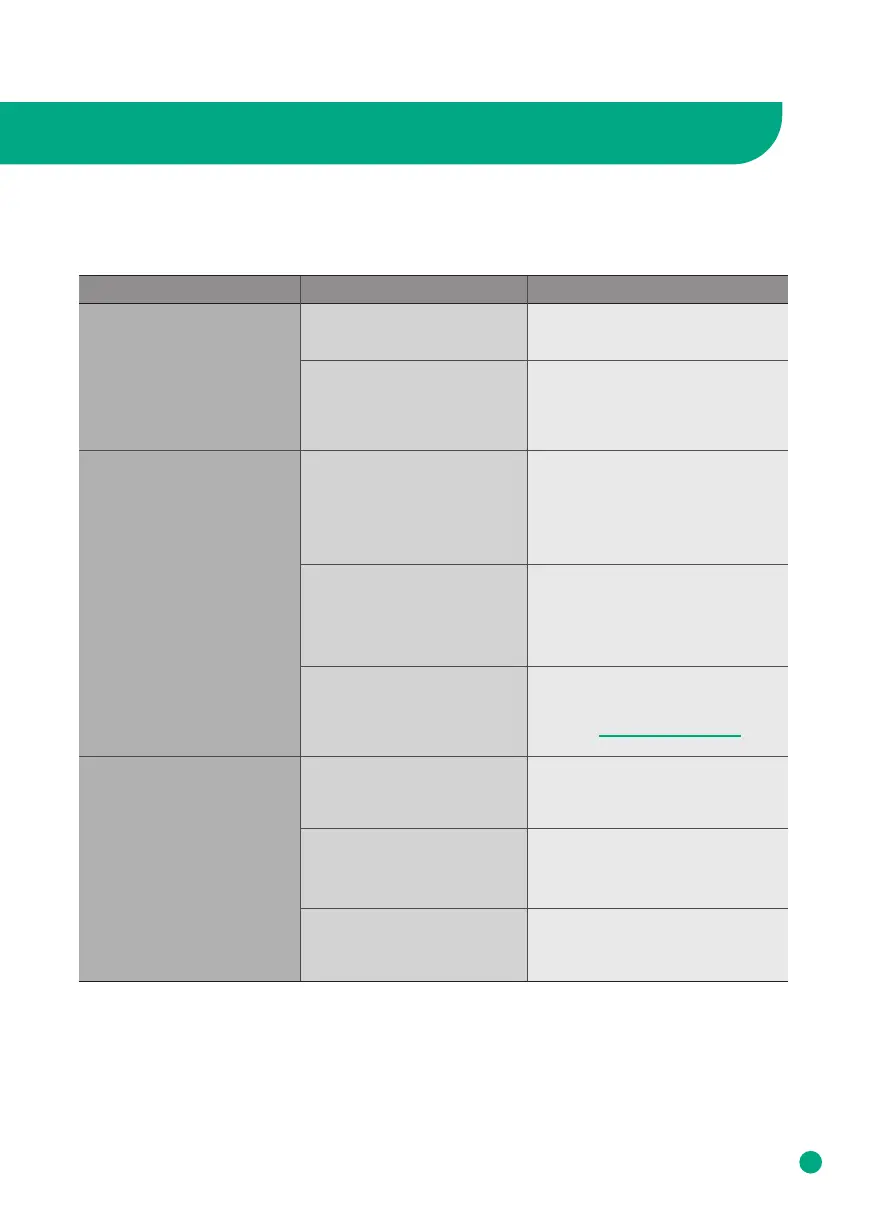
Problem RecommendationChecklist
The product won’t work
even if I press the Power
button.
Are you in a black out?
Is the power cord plugged
into the power outlet?
Check the power supply.
Put the power plug in a power
outlet.
Is there material blocking
the intake or air vent?
Remove material from vent/in-
take.
Check if plastic packaging
has been removed from filter.
Is the air purifier placed
where the intake or blocked
preventing air from moving
freely?
Remove objects blocking the air
purifier or place it elsewhere.
Air purifier is on but fan does
not work.
Unplug from the wall and
contact Afloia customer
service: service@afloia.com
Is there anything stuck in the
fan or air intake/vent?
Please remove any objects you
see from the fan intake/vent.
Is the air purifier tilted on its
side?
Make sure the base is level on a
flat surface.
Is the fan really loud?
Set your air purifier to a lower
fan speed to reduce the noise.
No air is blowing out.
Loud Noises



 To Next Page