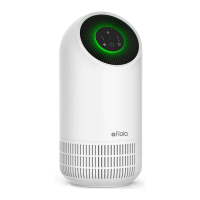
Unboxing
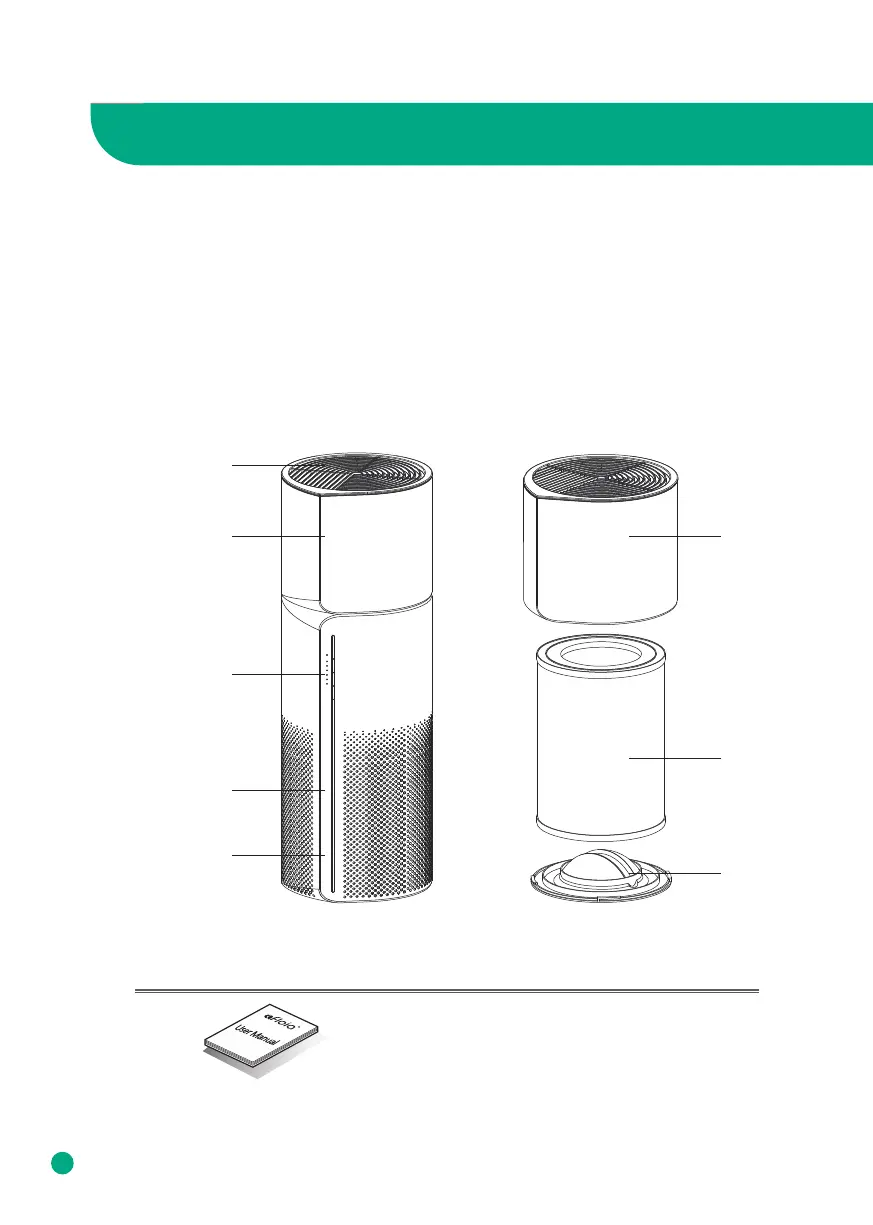
Description of Parts
Description of Parts
4
Accessories
User Manual
※ The picture may dier from the actual product.
Control Panel
Air Outlet
Filter
Base
Air Inlet
LED Light
Water TankWater Tank
To unbox the air purifier & humidifier, open the box, take out the foam lining, and take out
the internal accessories and user manual.
Pull the air purifier & humidifier out of the box and pull down the plastic covering surround-
ing it.
Keep the product box in a safe location for future use. After clearing the inner packaging of
the air purifier, open the base of the air purifier, take out the filter and remove its plastic
packaging.



 To Next Page