22
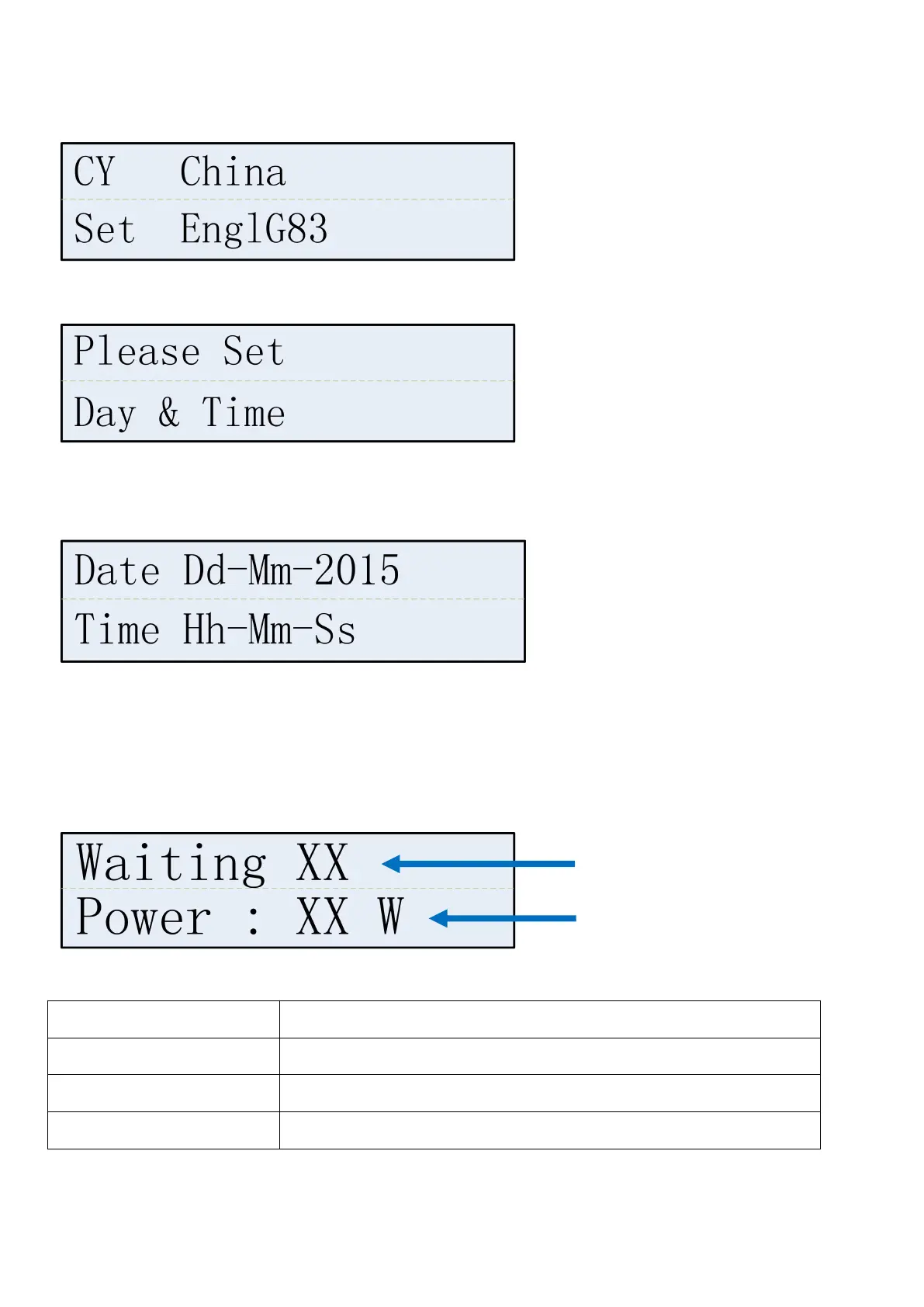
For example installed in UK, please choose EnglG59 for HNS4000TL and HNS5000TL, choose EnglG83 for
other types.
Country setting completed, system will automatically jump to the reminder interface to set time.
Press Ent to time setting interface. Press UP and DOWN to adjust number and press Ent. Set year, month,
day, hour, minute and second one by one according to local time.
7.1.4.2Main Interface
When time setting is completed, press Ent to exit and system will enter into the main interface as below.
Starting second time, LCD will enter main interface directly in five seconds after initialization. Operation
status and generation information of inverter will be shown on the main interface.
The operation status will be displayedin the first line of the main interface
Generation information interface scrolls every 15 seconds. UP and DOWN also can be used to select.




 To Next Page