19
Commissioning
EN
DTA 10
6 Commissioning
6.1 Commissioning the product
Verify that all prerequisites for operation of the product are met.
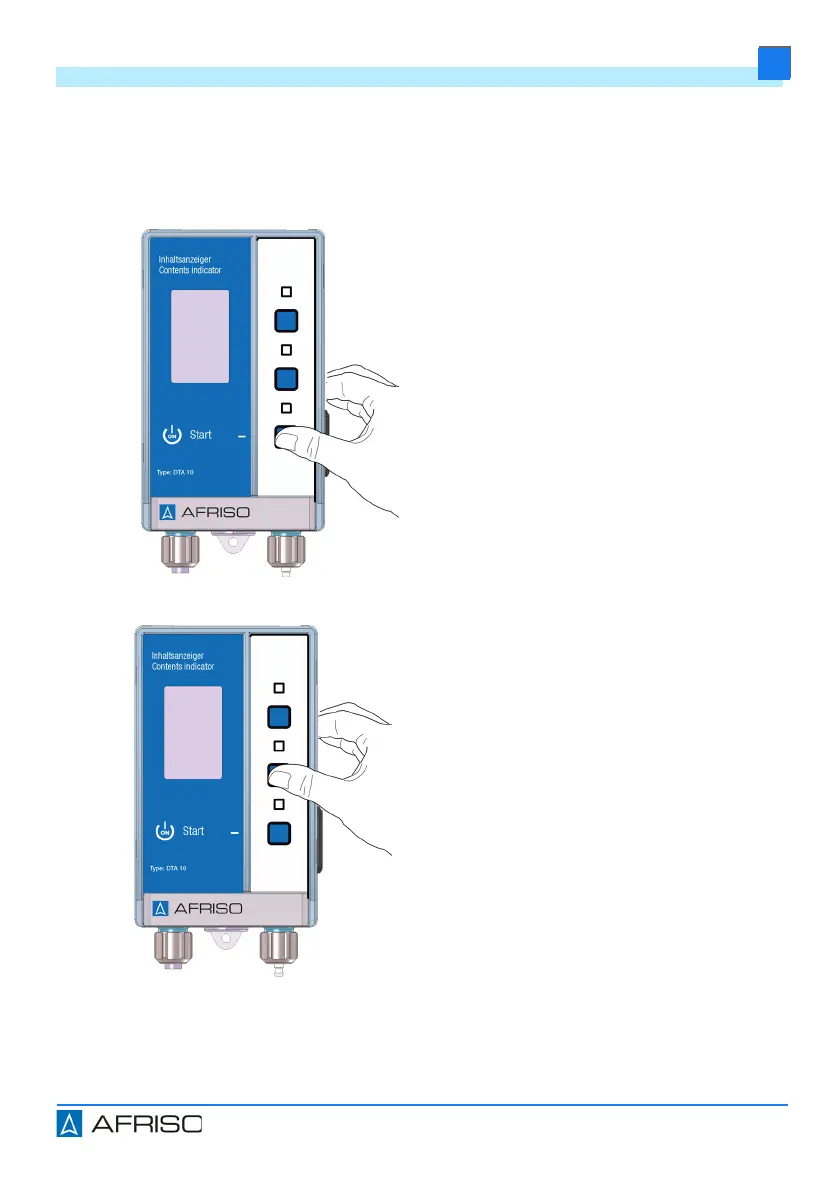
Initial switching on:
1. Press the lower key to switch on
the product.
- The product automatically starts
a measurement.
2. Hold down the upper key until the
product switches to the language
selection (see "Selecting the lan-
guage").
3. Press the upper or the lower key
to set the required language.
4. Press the centre key 1 x.
- The selected language is set
and the display changes to the
next menu setting.


 To Next Page