3.4 Installing the 2-way automatic/manual switch and potentiometer
Using the mechanical specification diagram as reference, locate a suitable area to mount the
Automatic/Manual switch. This switch should be mounted in the aircraft cockpit front panel for easy
access or ideally the cyclic control. It would be highly recommended to mount this switch close to the
Potentiometer as they are both used in conjunction.
1. Locate suitable area to mount the switch.
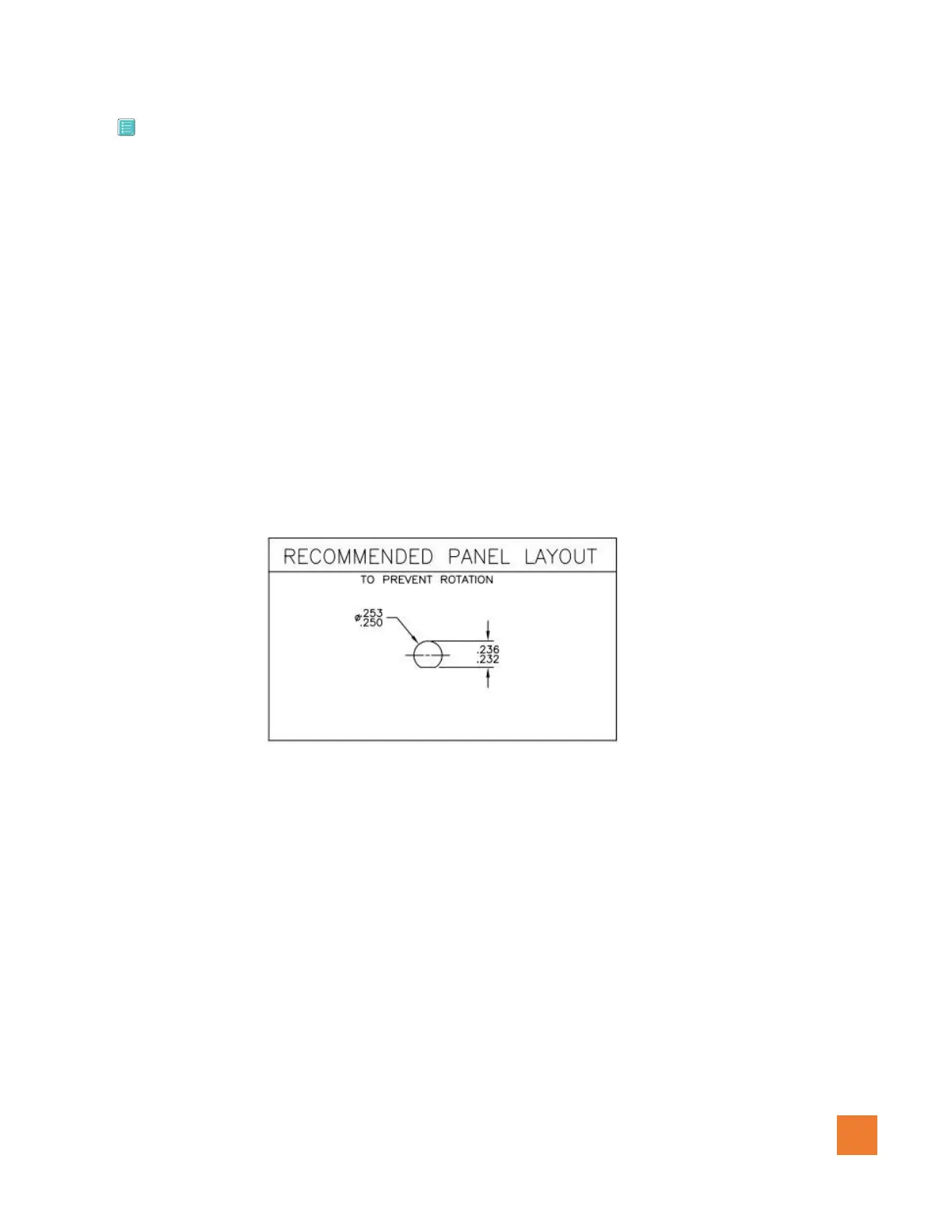
2. Drill hole according to specification in figure 1.0.5
3. Install 2-way switch
4. Label the Panel with the as follows: Automatic/Manual
5. Locate suitable area to mount the potentiometer.
6. Drill hole according to specification in figure 1.0.6
7. Install potentiometer
8. Label the Panel with as follows: Granular speed control (Manual mode Only)
Figure 1.0.5 (Auto / manual switch panel - inches)



 To Next Page