EasyManua.ls Logo

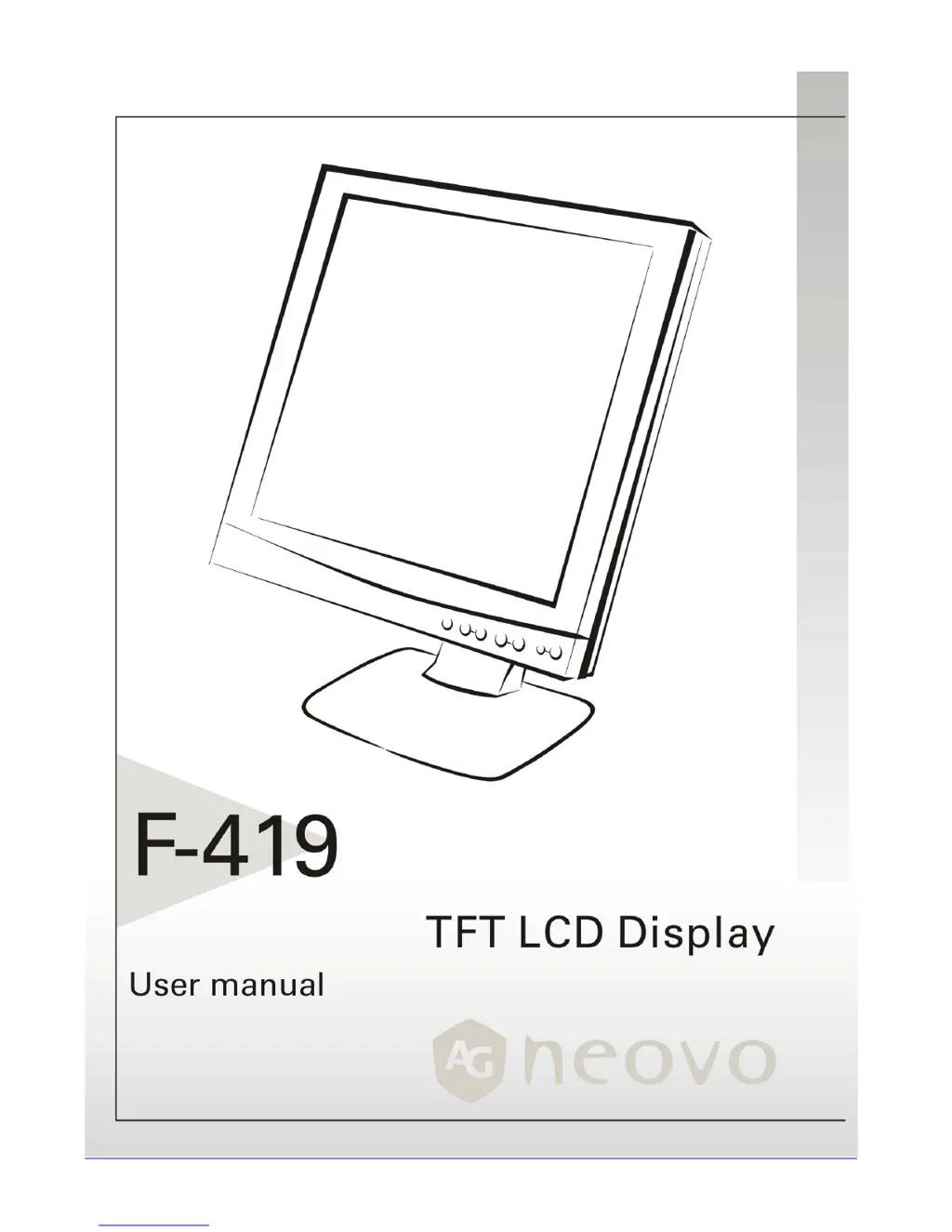
AG Neovo F-419 - User Manual

AG Neovo F-419
19 pages
Print Icon
To Next Page IconTo Next Page
Loading...

Other manuals for AG Neovo F-419

Questions and Answers

  • D
    Desiree FieldsJul 29, 2025
    What to do if there is no picture on AG Neovo LCD Monitor?
    • A
      Alexander RobertsJul 29, 2025
      If there is no picture on your AG Neovo LCD Monitor, ensure the power indicator is ON, all connections are secure, and the system operates on the correct timing, referring to the “Supported Timing List”. If the signal cable isn't connected properly, the monitor will display “No Input Signal”. If these steps don't work and you suspect the VGA card's output timing is the issue, connect your PC to an external CRT monitor. If it functions with the CRT but not the LCD monitor, switch to an alternative mode from the Supported Timing List or replace the VGA card.
  • E
    Eric LarsenAug 14, 2025
    How to fix unclear and unstable picture on AG Neovo Monitor?
    • J
      James BenitezAug 14, 2025
      If the picture on your AG Neovo monitor is unclear and unstable, follow these steps: First, shut down Windows in the MS-Windows environment. Check the screen for black vertical stripes. If present, use the “Clock” function in the OSD menu to adjust until the bars disappear. Then, use the “Phase” function in the OSD menu to fine-tune the screen for the clearest display. Finally, return to the normal PC operating environment.

Summary

Precautions

Installation Guidance

Guidance on proper installation of the monitor to ensure safety and optimal performance.

Power Connection Instructions

Instructions for safely connecting the monitor to a power source.

Identifying Parts and Controls

AUTO Button Functionality

Functionality of the AUTO button for automatic picture adjustment.

Power Switch Operation

Operation of the power switch to turn the monitor on and off.

Setup

Connecting Signal Cable

How to connect the signal cable to the PC's VGA or DVI port.

Connecting Power Cord

Steps for connecting the monitor's power cord to the AC socket and power source.

Initial Power-On and Adjustment

Instructions for powering on the monitor and performing initial display setup.

Customizing Your Monitor

Working with OSD Groups

How to access and navigate the On Screen Display (OSD) menu.

Troubleshooting

Unclear or Unstable Picture

Steps to resolve issues with an unclear or unstable display.

No Picture on Monitor

Troubleshooting steps when the LCD monitor displays no picture.

Range and Signal Issues

Diagnosing and resolving 'Out of Range' or 'No Input Signal' messages.

Interface Frequency

Supported Frequency Range

Defines the working frequency range for optimal display performance.

Regulations

FCC Compliance Information

Information regarding compliance with Federal Communications Commission rules.

Modification Warning

Warning against unauthorized modifications to the equipment.

AG Neovo F-419 Specifications

General IconGeneral
Screen Size19 inches
Resolution1280 x 1024
Brightness250 cd/m²
Contrast Ratio1000:1
Response Time5 ms
ConnectivityVGA, DVI
Aspect Ratio5:4
Viewing Angle170° (H) / 160° (V)
Power Consumption35 W

Related product manuals