EasyManua.ls Logo

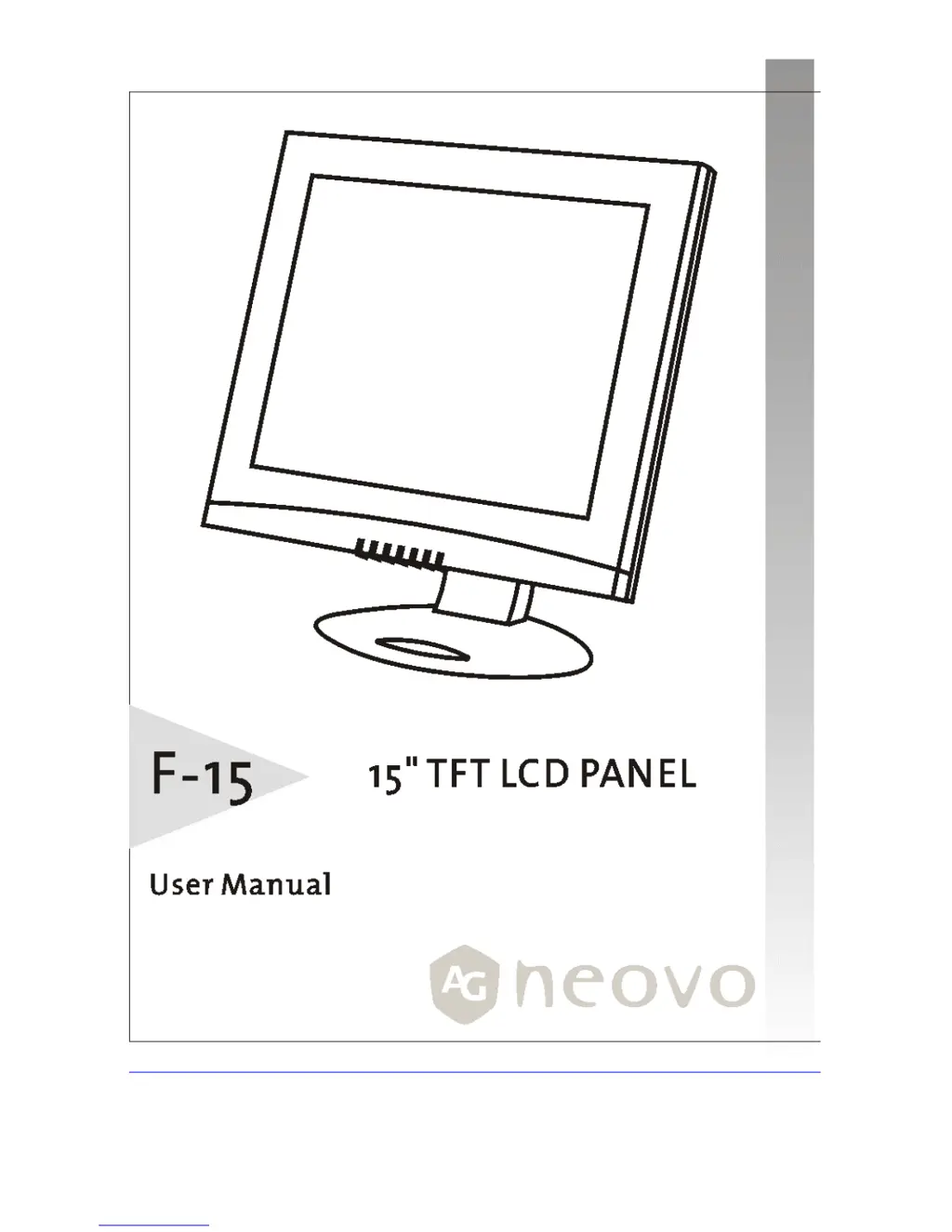
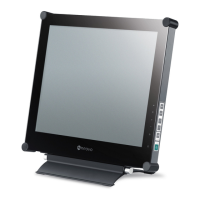
AG Neovo F-15 - User Manual

AG Neovo F-15
21 pages
Print Icon
To Next Page IconTo Next Page
Loading...

Questions and Answers

  • C
    Christopher SandersJul 30, 2025
    How to fix an AG Neovo Monitor with no picture and the LED power indicator not lit?
    • K
      Kayla DawsonJul 30, 2025
      If your AG Neovo Monitor shows no picture and the LED power indicator is off, try these steps: First, ensure the monitor's power switch is turned on. Then, check that the power adapter and power cord are properly connected to both the monitor and the power outlet. Finally, verify that the power outlet is providing electricity by testing it with another device.
  • S
    Sonya McclainAug 7, 2025
    What to do if my AG Neovo F-15 Monitor has no picture but the LED power indicator is orange?
    • R
      Regina RobinsonAug 8, 2025
      If your AG Neovo Monitor displays no picture but the LED power indicator is orange, make sure your computer is not in power saving mode by moving the mouse or pressing a key. Also, check that your computer or video source is turned on and that the video signal cable is properly connected.
  • E
    ericharrellAug 14, 2025
    What to do if the screen image on my AG Neovo F-15 is not centered properly or some lines are missing?
    • J
      Jeffrey DeleonAug 14, 2025
      If the screen image on your AG Neovo Monitor is not centered properly or some lines are missing, try pressing the button to run automatic adjustment. If the problem continues, you can adjust H. Position and V. Position to fine tune.
  • A
    Alex GrossAug 22, 2025
    Why are there tiny red, green, blue or black dots on the screen of my AG Neovo Monitor?
    • K
      kevin81Aug 23, 2025
      The TFT LCD panel of your AG Neovo Monitor consists of millions of small transistors. Defective transistors will each cause a missing red, green, or blue dot.

Summary

Precautions

Installation Precautions

Do not cover ventilation ports or place near heat/direct sunlight.

Power Connection Guidelines

Use correct voltage cord, accessible outlet, and disconnect when unused.

Getting Started

Identifying Parts and Controls

Setup Guide

Initial Monitor Setup

Step-by-step instructions for connecting and powering on the monitor.

Customizing Your Monitor

Working with OSD Groups

Explains how to open the OSD window and navigate between function groups.

Display Adjustments

Auto Adjust

Enabling the automatic picture adjustment feature for optimal display.

Fine-Tuning Display Settings

Display Modes and Features

Warning Messages and Troubleshooting

Warning Message Explanations

Explains common warning messages like "CAN NOT DISPLAY THIS INPUT SIGNAL".

Troubleshooting Common Issues

Provides solutions for issues like no signal or locked controls.

Troubleshooting Steps

No Picture Issues

Checks for power, adapter, and cable connections when no picture is displayed.

Image Quality Problems

Solutions for text not solid, image not centered, or missing dots.

LCD Panel Display Specifications

AG Neovo F-15 Specifications

General IconGeneral
Screen Size15 inches
Resolution1024 x 768
Panel TypeTFT LCD
Brightness250 cd/m²
Response Time25 ms
Input ConnectorsVGA
Aspect Ratio4:3
Weight3.5 kg

Related product manuals