EasyManua.ls Logo

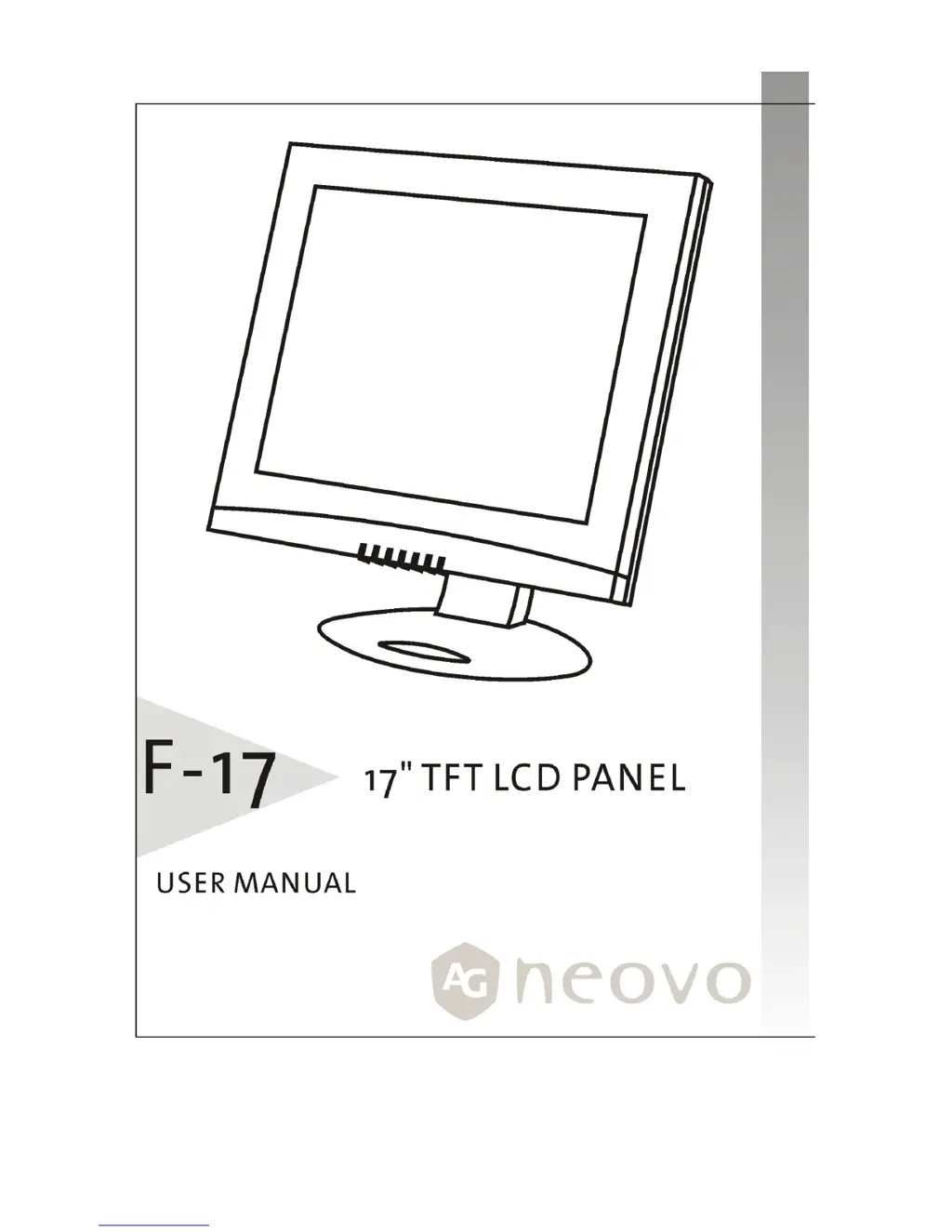
AG Neovo F-17 - User Manual

AG Neovo F-17
23 pages
Print Icon
To Next Page IconTo Next Page
Loading...
1

Questions and Answers

  • B
    Barbara GoodmanJul 31, 2025
    What to do if my AG Neovo F-17 Monitor shows 'No Signal Input'?
    • S
      Susan PatrickJul 31, 2025
      If your AG Neovo monitor displays 'No Signal Input', verify that your computer or video source is powered on. Also, check the video signal cable to ensure it is securely connected and that none of the pins in the video input connector are bent or damaged.
  • G
    Glenn DiazAug 5, 2025
    How to unlock the main control menu on AG Neovo F-17?
    • D
      David LarsonAug 5, 2025
      To unlock the main control menu on your AG Neovo monitor, simultaneously hold the RIGHT and LEFT buttons for 5 seconds.
  • M
    Michael HarperAug 12, 2025
    What to do if AG Neovo F-17 Monitor can not display this input signal?
    • D
      Donald MurrayAug 12, 2025
      If your AG Neovo monitor displays 'CAN NOT DISPLAY THIS INPUT SIGNAL', it means the input signal is not supported. Ensure that the video resolution and frequency range are within the specifications detailed in the 'Technical Specifications' section of the user’s manual.
  • R
    Robert HarrisAug 17, 2025
    Why is the text not solid on my AG Neovo F-17 Monitor?
    • J
      James HarrisAug 18, 2025
      If the text on your AG Neovo monitor is not solid, ensure that the video signal resolution is set to 1280 by 1024. You can also try the following steps: * Run automatic adjustment by pressing the button. * Fine-tune the image by adjusting 'Clock' and 'Phase' in the OSD menu. * If you are not using the 1280 by 1024 resolution, adjust the 'Sharpness' in the OSD menu.
  • R
    robert12Aug 23, 2025
    What to do if screen image is not centered properly on AG Neovo F-17 Monitor?
    • J
      Joseph OlsonAug 23, 2025
      If the screen image on your AG Neovo monitor is not centered correctly, try these steps: * First, run the automatic adjustment by pressing the button. * Then, fine-tune the image position by adjusting the 'H. Position' and 'V. Position' in the OSD menu.

Summary

GETTING STARTED

Quick Setup

Follow these directions to correctly set up your monitor.

Unpacking

Check that the following items are included in the box and are in good condition.

Identifying Components and Controls

Shows the monitor's power button, status LED, and On-Screen Display (OSD) controls.

Adjusting the Monitors Tilting Angle

Adjusts the LCD monitor's vertical tilting angle for comfortable viewing.

Connecting AC Power

Instructions for connecting AC power to the LCD monitor.

Connecting Video

Instructions for connecting the monitor to the computer via VGA cable.

CUSTOMIZING YOUR MONITOR

Adjusting the Monitors Display

Overview of accessing and using the On-Screen Display (OSD) for display optimization.

Working with OSD Groups

Explains how to navigate and select functions within the OSD's four groups.

Display Adjust

Covers adjustments for brightness, contrast, position, clock, phase, and auto adjustments.

Color Temperature

Details settings for selecting preset color temperatures or user-defined balance.

OSD Adjust

Covers OSD position, time, transparency, and language selection settings.

Misc Adjust

Includes recall, mode selection (text/graphics), information, backlight, and sharpness adjustments.

TROUBLESHOOTING

Troubleshooting Procedures

General guidance on resolving display issues with the monitor.

Warning Messages

Lists common error messages and their corresponding solutions.

Troubleshooting

Provides a table of common symptoms and their check items for troubleshooting.

LCD Panel Display Technical Features and Specifications

Details the technical specifications and features of the LCD panel.

Regulation

FCC Compliance

Information regarding the device's compliance with FCC rules for digital devices.

TCO 95

TCO99

AG Neovo F-17 Specifications

General IconGeneral
BrandAG Neovo
ModelF-17
CategoryMonitor
LanguageEnglish

Related product manuals