EasyManua.ls Logo

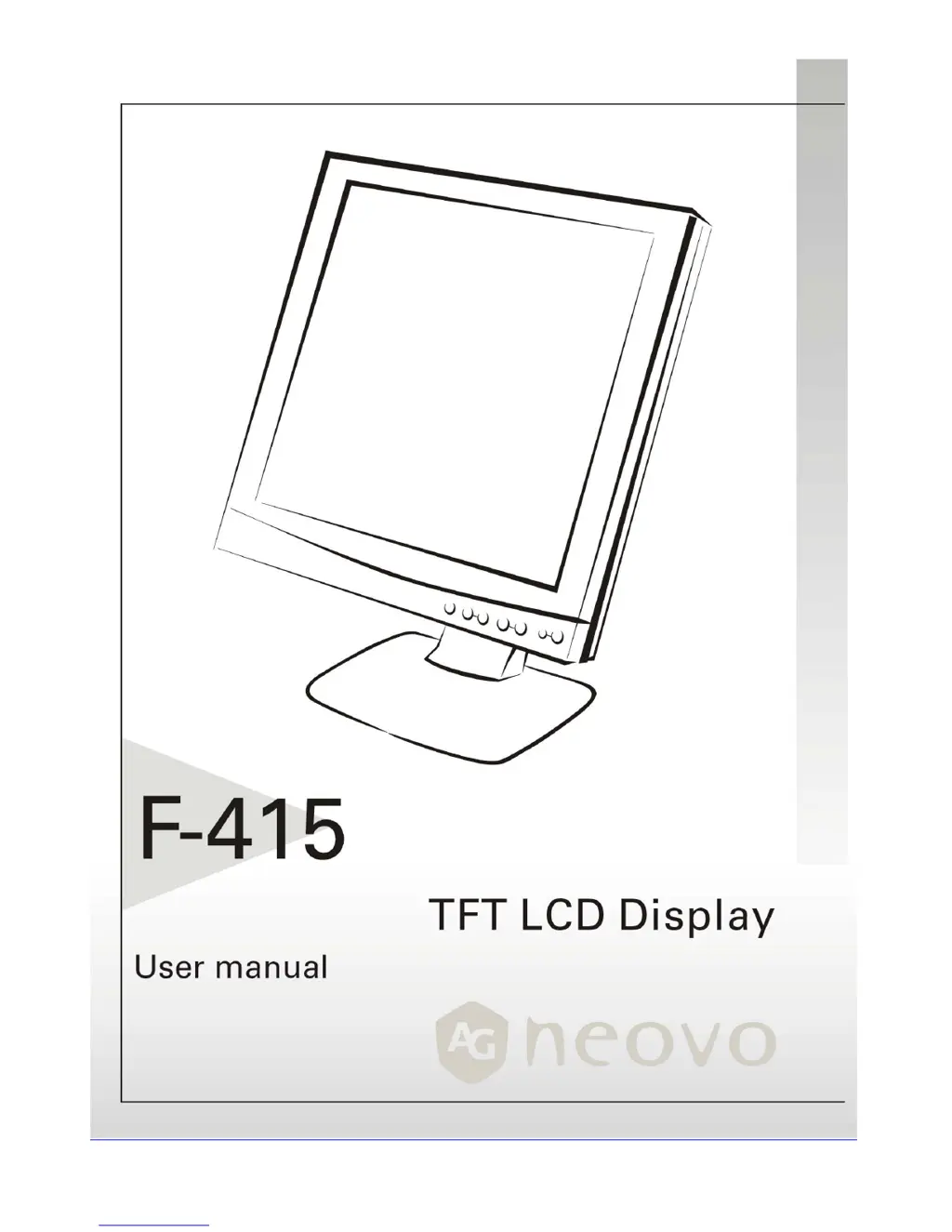
AG Neovo F-415 - User Manual

AG Neovo F-415
19 pages
Print Icon
To Next Page IconTo Next Page
Loading...

Other manuals for AG Neovo F-415

Questions and Answers

  • F
    fhensleyJul 30, 2025
    What to do if there is no picture on AG Neovo LCD Monitor?
    • W
      welchanthonyJul 30, 2025
      If there is no picture on your AG Neovo LCD Monitor, ensure the power indicator is ON, all connections are secure, and the system operates on the correct timing. Try turning the monitor off and then on again. If the output timing of the VGA card may be out of the LCD’s synchronous range, connect your PC system to another external CRT. You can also change to an alternative mode listed in the Supported Timing List or replace the VGA card, and then repeat the initial steps.
  • N
    Nicole HallAug 9, 2025
    Why there is no picture on AG Neovo LCD Monitor?
    • J
      Jesse StewartAug 9, 2025
      The absence of a picture on your AG Neovo LCD Monitor may be due to output timing that is outside of the LCD Monitor’s synchronous range. In this case, choose a mode that is supported by your LCD Monitor. Also, check that the signal cable is properly connected to the LCD monitor; if it's not, the monitor screen will display a 'No Input Signal' message.
  • E
    Evelyn HoustonAug 20, 2025
    How to fix unclear and unstable picture on AG Neovo F-415?
    • D
      David HunterAug 20, 2025
      To fix an unclear and unstable picture on your AG Neovo monitor: * Enter PC to 'Shut Down Windows' status while you’re in MS-Windows environment. * Check the screen for any black vertical stripes. * Use the 'Clock' function in the OSD menu to adjust until the bars disappear. * Move to the 'Phase' function in the OSD menu and adjust the monitor screen to its clearest display. * Click 'No' on 'Shut Down Windows' and return to the normal PC operating environment.

Summary

Precautions

Installation Guidelines

Guidelines for proper monitor placement and ventilation.

Power Connection Safety

Instructions for connecting the monitor to a power source safely.

Using the Tilt Feature

How to adjust the monitor's vertical angle for optimal viewing.

Maintenance and Handling

Monitor Maintenance

How to clean and care for the monitor.

Safe Monitor Transport

Recommendations for moving the monitor safely.

Getting Started

Package Contents Checklist

List of items included in the monitor's packaging.

Base Installation and Removal

Attaching and Detaching the Stand

Step-by-step guide to attaching and detaching the monitor stand.

Identifying Monitor Controls

Front Panel Overview

Identifies the monitor's front panel buttons and indicators.

Monitor Setup Procedure

Connection and Configuration

Instructions for connecting and configuring the monitor.

VESA Mounting Compatibility

Mounting Standard Information

Information on VESA standards and preparing for wall/arm mounting.

Customizing Your Monitor

Recommended AUTO Settings

Recommends using AUTO settings for optimal performance.

OSD Menu Navigation

How to navigate and use the On-Screen Display (OSD) menus.

Firmware Revision Notes

Notes about firmware revision compatibility with the manual.

Brightness & Contrast Adjustment

Adjusting the monitor's brightness and contrast levels.

Position Adjustment

Adjusting the display's horizontal and vertical position on the screen.

Phase & Clock Tuning

Fine-tuning picture performance for signal compensation.

Auto Adjust Functionality

Enabling the monitor's automatic adjustment capability.

OSD Window Positioning

Positioning the OSD window on the screen.

Display Mode Selection

Selecting optimal sharpness for text or graphic display modes.

Factory Reset (Recall)

Resetting monitor settings to factory defaults.

OSD Language Selection

Choosing the display language for the OSD menu.

Color Temperature Settings

Choosing predefined color temperature settings or custom balance.

Exiting the OSD Menu

OSD Exit Procedure

Exiting the On-Screen Display (OSD) menu.

Troubleshooting Common Issues

VGA Mode Support Attention

Notes on monitor compatibility with various VGA modes.

Resolving Unclear;Unstable Picture

Steps to resolve unclear or unstable picture display.

No Picture on LCD Monitor

Troubleshooting steps when the monitor displays no image.

Handling Out of Range or No Input

Resolving issues related to unsupported signal ranges or no input.

LCD Panel Technical Specifications

Detailed Panel Specifications

Detailed technical specifications of the LCD panel.

Interface Frequency Range

Operating Frequency Explained

Explains the operating frequency range for the monitor.

Regulatory Compliance

FCC Compliance Statement

Compliance information regarding FCC rules and regulations.

Disposal and Recycling Information

European Union Disposal Guidelines

Disposal and recycling guidelines for EU users.

United States Disposal Guidelines

Recycling and disposal information for mercury-containing lamps in the US.

TCO99 Environmental Program

Introduction to TCO99 Approval

Introduction to TCO'99 approval and its benefits.

TCO99 Labeling Requirements

Details the requirements and scope of the TCO'99 labeling scheme.

Flame Retardants in Electronics

Discusses the presence and environmental impact of flame retardants.

Cadmium Content and Effects

Information on cadmium content and its health effects.

Mercury Content and Effects

Information on mercury content and its health effects.

CFCs (Freons) and Ozone Impact

Discusses the use of CFCs and their impact on the ozone layer.

Lead Content and Effects

Information on lead content and its health effects.

AG Neovo F-415 Specifications

General IconGeneral
Screen Size15 inches
Resolution1024 x 768
Brightness250 cd/m²
Response Time25 ms
Connectivity / InputVGA
Aspect Ratio4:3

Related product manuals