EasyManua.ls Logo

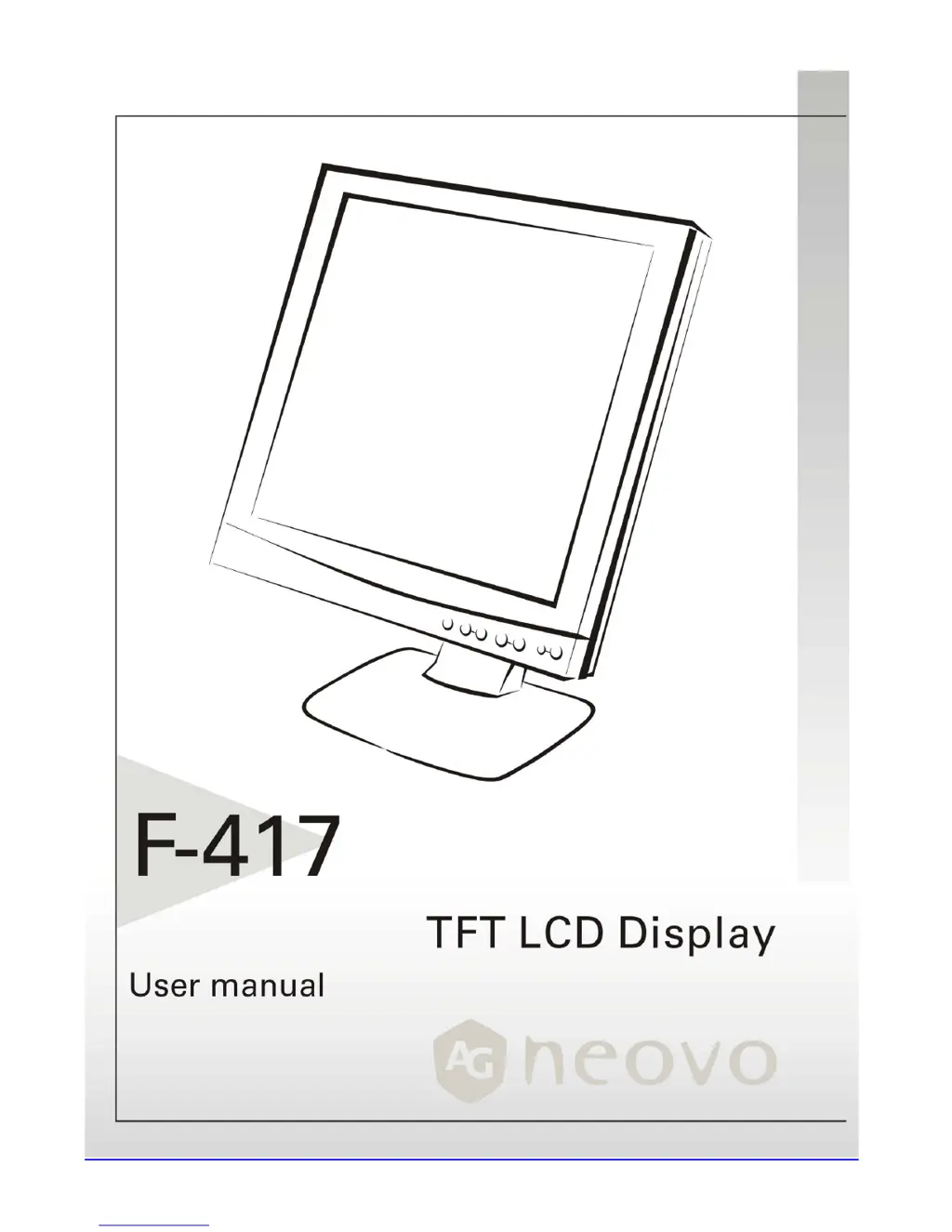
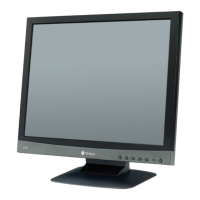
AG Neovo F-417 - User Manual

AG Neovo F-417
19 pages
Print Icon
To Next Page IconTo Next Page
Loading...

Other manuals for AG Neovo F-417

Questions and Answers

  • F
    frank04Jul 30, 2025
    What to do if there is no picture on my AG Neovo Monitor?
    • S
      Samantha Page DDSJul 31, 2025
      First, ensure the power indicator on the LCD Monitor is ON, all connections are secure, and the system runs on the correct timing. If that doesn't work, turn the LCD Monitor off and then back on again. If the issue persists, and if you have access to another external CRT monitor, connect your PC to it. If your PC system functions properly with the CRT monitor but not with the LCD Monitor, change to an alternative mode listed in the Supported Timing List or replace the VGA card, and then repeat the initial steps.
  • K
    Kelli HoldenAug 7, 2025
    How to fix an unclear and unstable picture on AG Neovo F-417 Monitor?
    • J
      Joseph BrownAug 7, 2025
      If your AG Neovo Monitor picture is unclear and unstable, first enter PC to 'Shut Down Windows' status while you’re in MS-Windows environment, then click 'No' on 'Shut Down Windows' and back to the normal PC operating environment. Check the screen for any black vertical stripes. If they appear, use the 'Clock' function in the OSD menu to adjust until the bars disappear. Finally, use the 'Phase' function in the OSD menu to fine-tune the monitor screen for the clearest display.
  • D
    david61Aug 14, 2025
    Why does my AG Neovo F-417 say 'No Input Signal'?
    • C
      colleengoodwinAug 14, 2025
      The 'No Input Signal' message appears when the signal cable isn't properly connected to the LCD monitor. Ensure the signal cable is correctly and securely connected.
  • M
    Mr. Walter OconnorAug 22, 2025
    What to do if my AG Neovo Monitor displays no picture due to output timing?
    • H
      hammondlauraAug 22, 2025
      If there is no picture on your AG Neovo Monitor, it may be due to an output timing that is outside of the LCD Monitor’s synchronous range. Choose a mode that is supported by your LCD Monitor.

Summary

Precautions

Installation Precautions

Do not cover ventilation ports or place near heat sources.

Power Connection Precautions

Use correct cord, accessible outlet, and disconnect if unused or damaged.

Using the Tilt

Instructions for adjusting the monitor's tilt angle.

Maintenance

Transporting the Monitor

Guidelines for safe monitor transport and shipment.

Getting Started

Package Contents

Lists all items included in the product packaging.

Installing and Removing the Base

Step-by-step guide to attach and detach the monitor base.

Identifying Parts and Controls

Overview of the monitor's physical buttons and indicators.

Setup Instructions

Instructions for connecting and setting up the monitor.

Customizing Your Monitor

OSD Navigation and Basic Adjustments

Guide to OSD menu, controls, brightness, contrast, and position.

Advanced OSD Settings

Fine-tuning OSD transparency, phase, clock, and auto adjust features.

OSD Window and Mode Options

Adjusting OSD position, text/graphics modes, and language selection.

Color Temperature Settings

Selecting and adjusting color temperature presets.

Troubleshooting

Picture Unclear or Unstable

Steps to resolve unclear or unstable picture issues.

No Picture on LCD Monitor

Troubleshooting steps for a blank screen.

LCD Panel Display Technical Features and Specifications

Interface Frequency

Regulations

FCC Compliance

Compliance with FCC rules for digital devices.

Information for users applicable in European Union countries

Information for users applicable in United States of America

TCO99 Environmental Standard

Overview and Benefits

Information on TCO'99 approval and environmental labeling benefits.

Environmental Requirements Summary

Details on flame retardants, cadmium, mercury, CFCs, and lead.

AG Neovo F-417 Specifications

General IconGeneral
Resolution1280 x 1024
Panel TypeTFT LCD
Brightness250 cd/m²
Contrast Ratio500:1
Response Time5 ms
Aspect Ratio5:4
Screen Size17 inch
Input ConnectorsVGA
Weight4.5 kg
Viewing Angle160° (H) / 160° (V)
ConnectivityVGA

Related product manuals