16
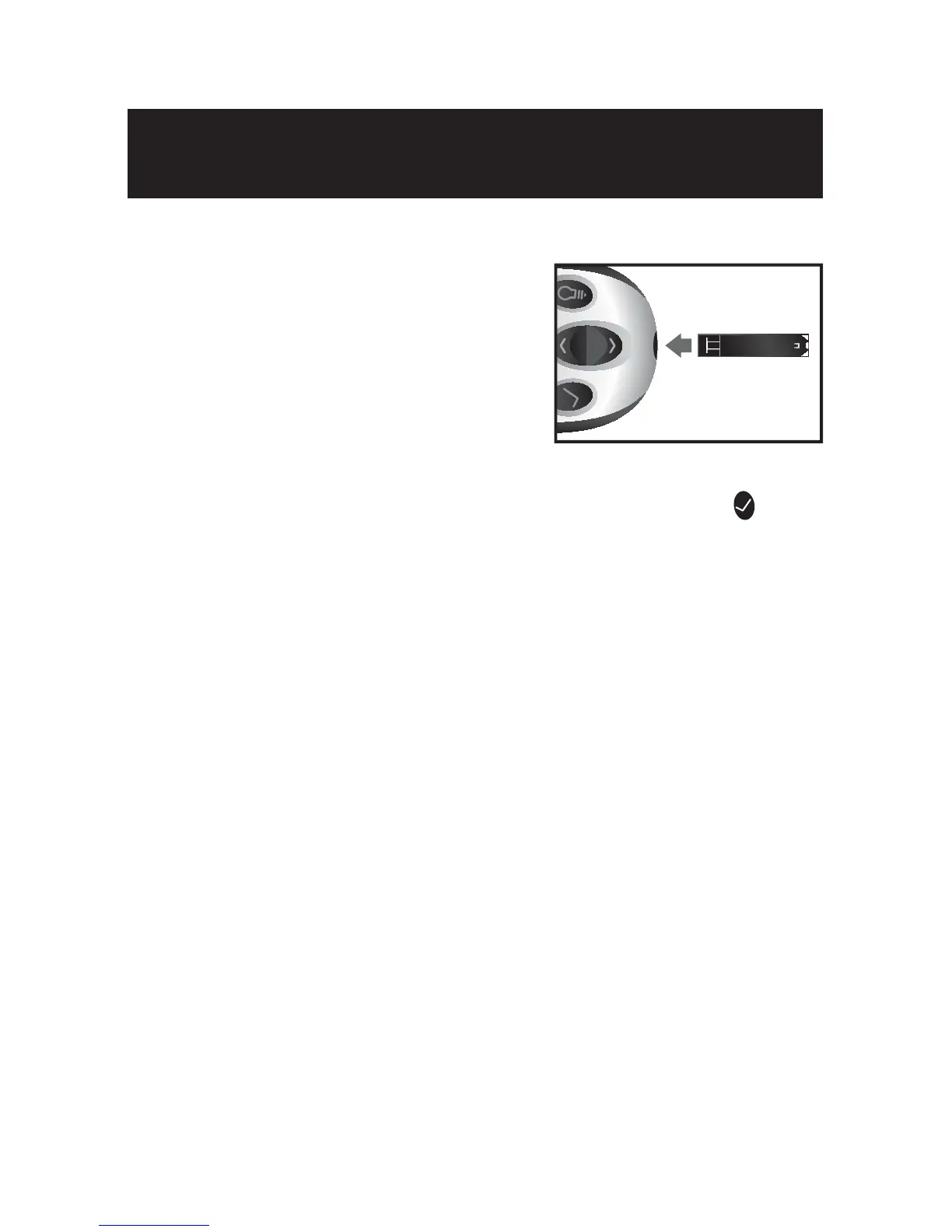
[1] Insert an AgaMatrix WaveSense JAZZ Test Strip: Insert
a new AgaMatrix WaveSense JAZZ
Test Strip into the meter. Make sure
you insert the test strip, with the
contact bars facing up, into the test
strip port. The meter will be activated
automatically.
Note: If you do not start the test within 5 minutes, the meter will
be deactivated. To reactivate your meter, press the CHECK (
) button or remove the unused AgaMatrix WaveSense JAZZ Test
Strip and reinsert it into the meter.
[2] Meter Ready for Test: The meter now displays the blood
drop symbol and the word “Fill”. The AgaMatrix WaveSense
JAZZ System is now ready for you to apply control solution or
blood.
Preparing For a Test With Your
AgaMatrix WaveSense JAZZ Meter
6
CHAPTER



 To Next Page