38
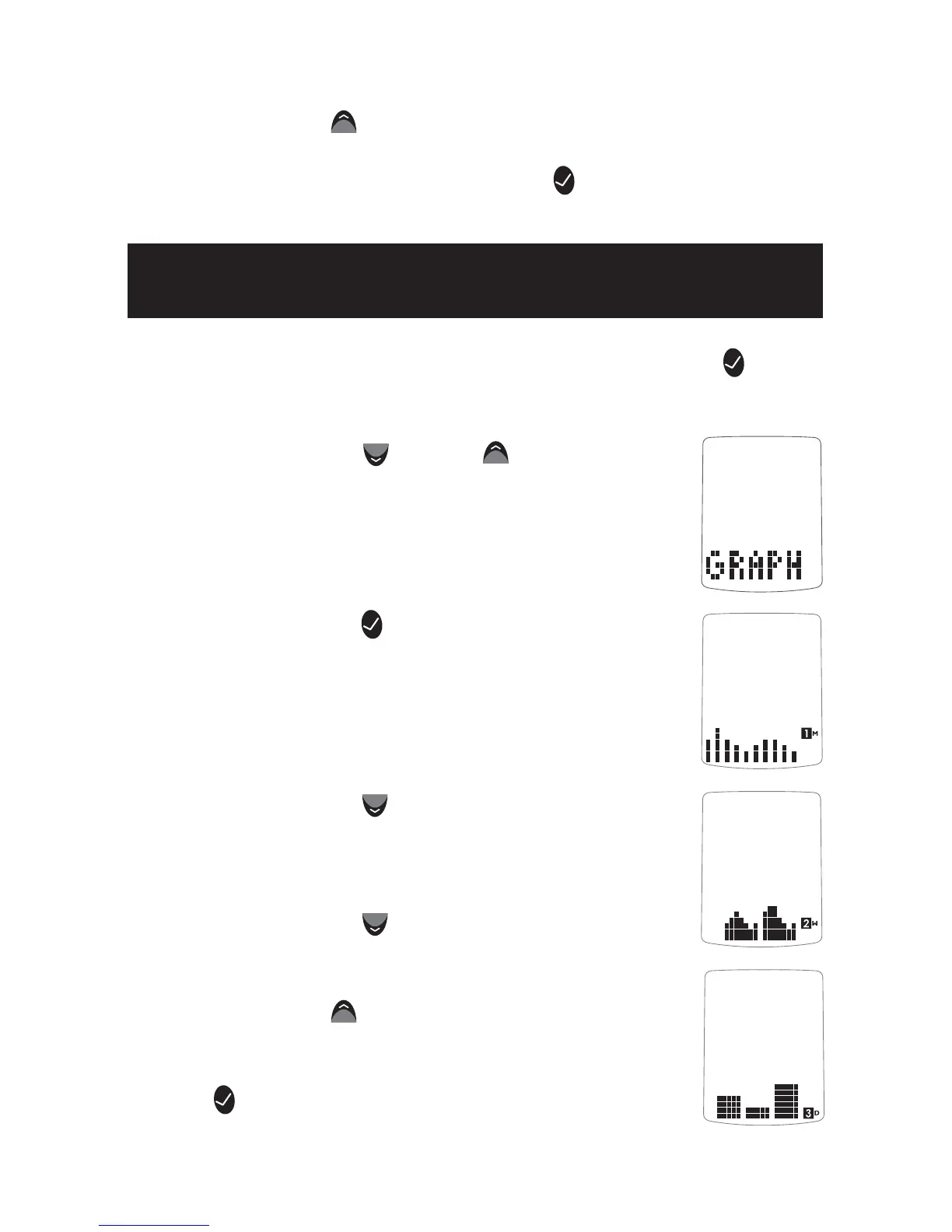
tons until the abbreviation “GRAPH” appears in
the lower part of the display.
[3] Press the CHECK (
) button again to enter
the graph section. The display now shows your
1 month graph.
[4] Press the DOWN (
) arrow button. The dis-
play now shows your 2 week trend graph.
[5] Press the DOWN (
) arrow button. The
display now shows your 3 day trend graph.
Note: Press the UP (
) arrow button to scroll
backwards. When scrolling, you will cycle through
the Trend Graphs. To return to the menu, press the
CHECK (
) button.
[1] When your meter is deactivated, press the CHECK ( )
button once to enter menu mode. The word “MEM” is displayed.
[2] Press the DOWN (
) or UP ( ) arrow but-
Note: Press the UP ( ) arrow button to scroll backwards. When
scrolling, you will cycle through the Pre/Post Mealtime Averages.
To return to the menu, press the CHECK (
) button.
Viewing 1 Month, 2 Week,
and 3 Day Trend Graphs
10.5



 To Next Page