41
The AgaMatrix WaveSense JAZZ Meter allows you to turn ON
or OFF the feature that tags results as having occurred before
or after a meal.
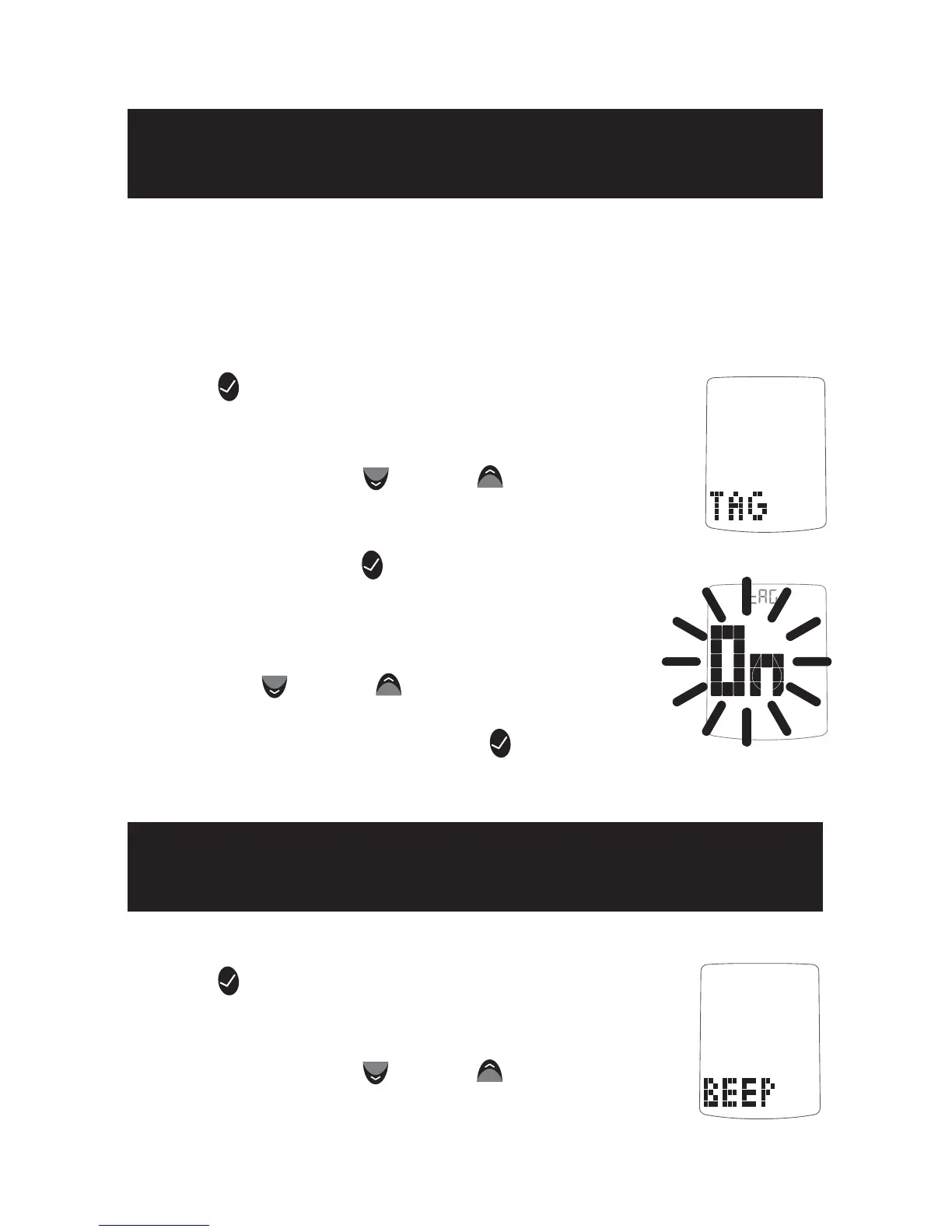
[1] When your meter is deactivated, press the
CHECK (
) button once to enter menu mode. The
word “MEM” is displayed.
[2] Press the DOWN (
) or UP ( ) arrow buttons
until the word “TAG” is displayed.
[3] Press the CHECK (
) button to enter and
edit the tag setting.
[4] Turn the tagging feature ON or OFF with
the DOWN (
) or UP ( ) arrow buttons. Your
selection will be highlighted by the blinking
of the symbol. Press the CHECK (
) button to
confirm your selection and return to the menu.
[1] When your meter is deactivated, press the
CHECK (
) button once to enter menu mode.
The word “MEM” is displayed.
[2] Press the DOWN (
) or UP ( ) arrow but-
tons until the word “BEEP” is displayed.
Setting the Mealtime Tag
11
CHAPTER
Setting Meter Volume
12
CHAPTER



 To Next Page