47
The AgaMatrix WaveSense JAZZ includes a unique positive
feedback feature where a happy face symbol is displayed
with test results that fall within the glucose target range. By
setting a target range for what your glucose levels should be
before or after a meal, you customize when this symbol ap-
pears. Always consult your healthcare professional for your
recommended target ranges.
IMPORTANT: First set the hypoglycaemic and hypergly-
caemic warning alarms to your recommended thresholds
before making changes within the glucose target range
menu (refer to chapters 15-16 for setting these alarms).
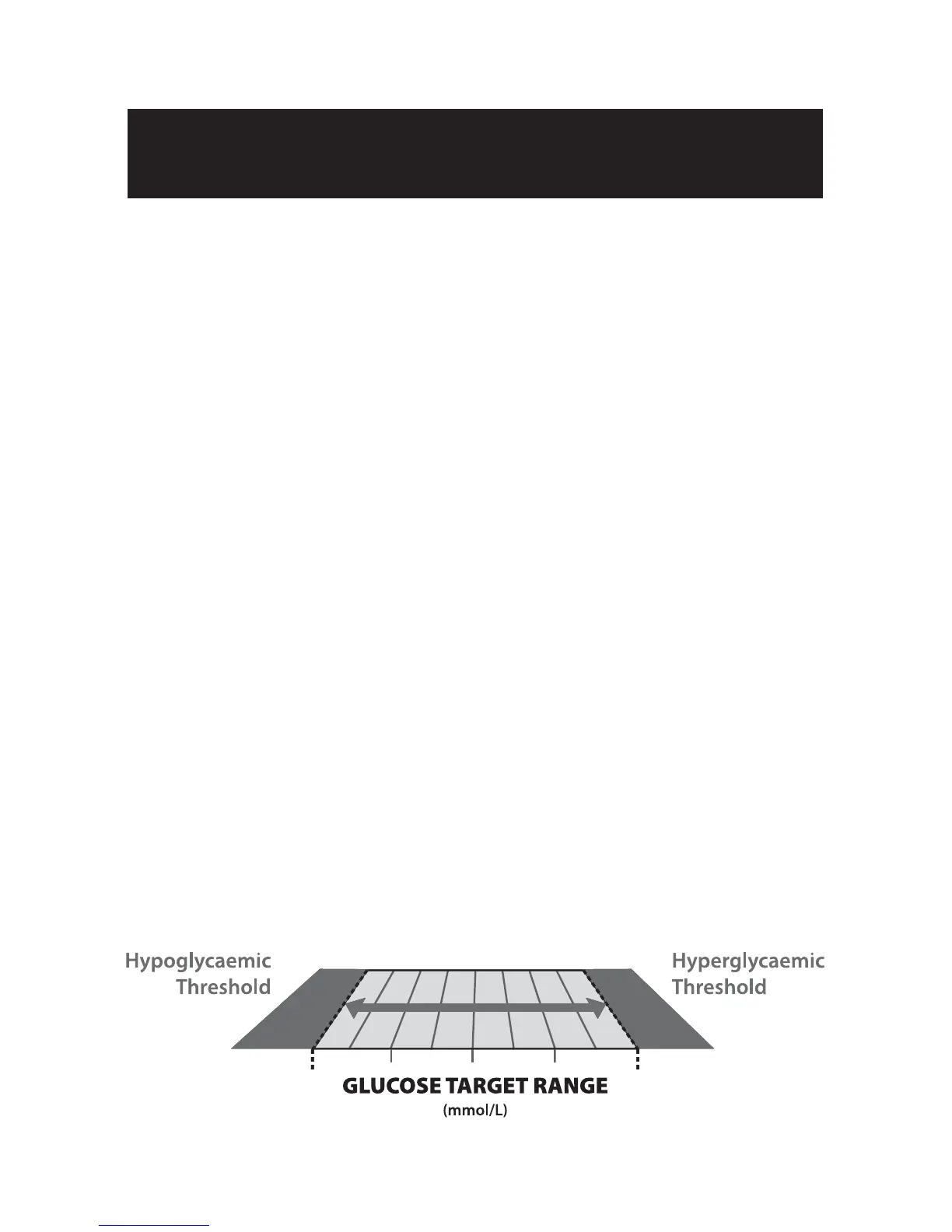
Note: The glucose target range is limited by the values set for
your hypoglycaemic and hyperglycaemic warning alarms. Your
meter will not allow you to select a number beyond these alarm
settings, even if the warning alarm is turned off.
For example: If you want the pre meal target range to begin
at 5.0 mmol/L, then the hypoglycaemic alarm needs to be
set at 5.0 mmol/L or less; or if you want the post meal target
range to end at 10.0 mmol/L, then the hyperglycaemic alarm
needs to be set at 10.0 mmol/L or higher.
Setting
The Glucose Target Range
17
CHAPTER



 To Next Page