49
There are 7 alarms you can set to remind you when to test
your glucose levels.
When alarms are activated:
[1] If an alarm is set and the AgaMatrix WaveSense JAZZ
Meter is deactivated, the alarm will activate the meter. “AL1”
thru “AL7” (depending which alarm is set) is displayed. The
display backlight flashes, and the meter will beep repeatedly
for 15 seconds.
[2] You can turn the alarm OFF by pressing any button.
[3] The alarms will not appear during menu and test modes.
If an alarm is set to sound or flash while using these modes,
it will alarm after the meter is deactivated.
CAUTION: Follow your healthcare professional’s recom-
mendations on when and how often to test your glucose.
How to set alarms:
[1] Enter MEM Mode: When your meter is deactivated,
press the CHECK (
) button once to enter menu mode. The
word “MEM” is displayed.
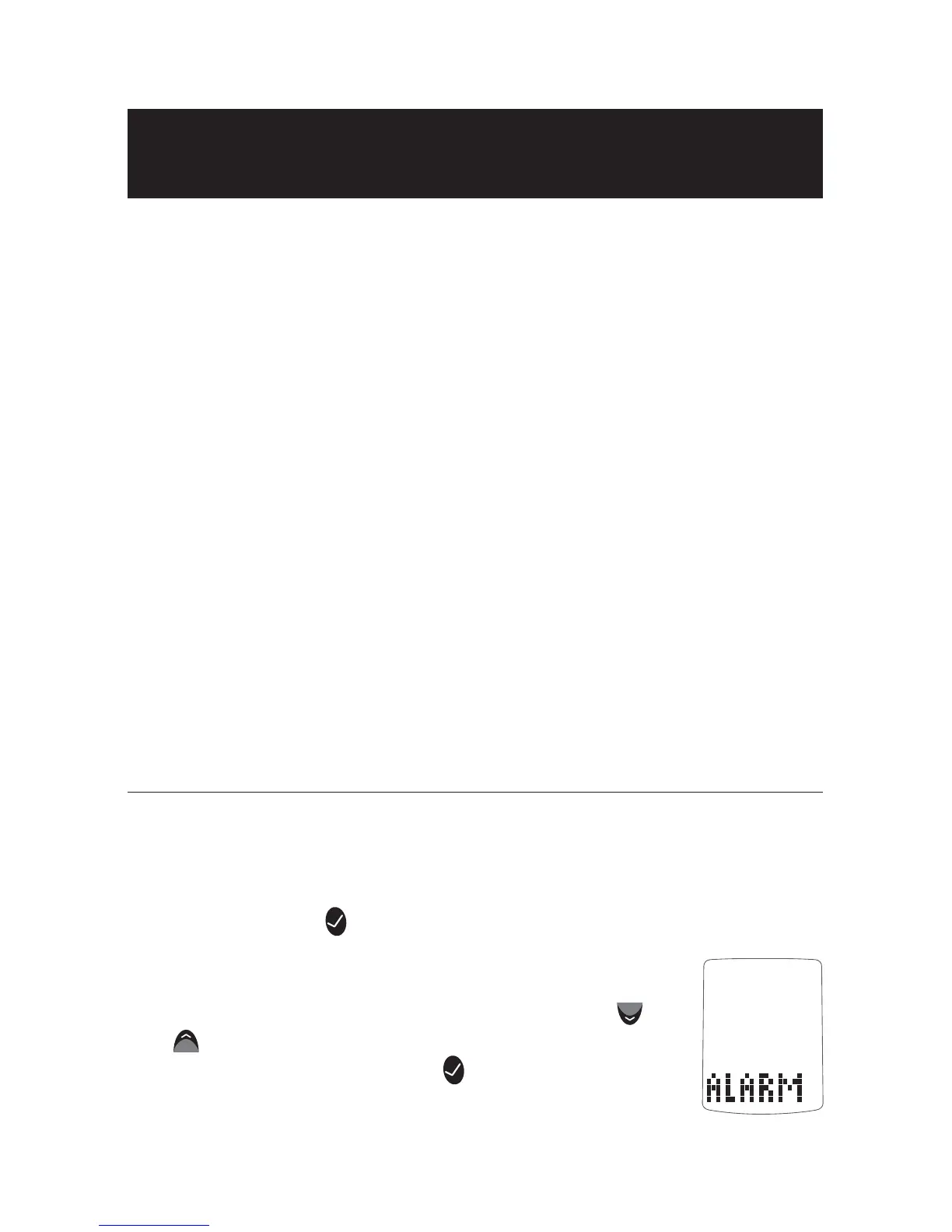
[2] Enter Alarm Option: Press the DOWN (
) or
UP (
) arrow buttons until the word “ALARM” is
displayed. Press the CHECK (
) button to enter
and set an alarm.
Setting Alarms
18
CHAPTER



 To Next Page