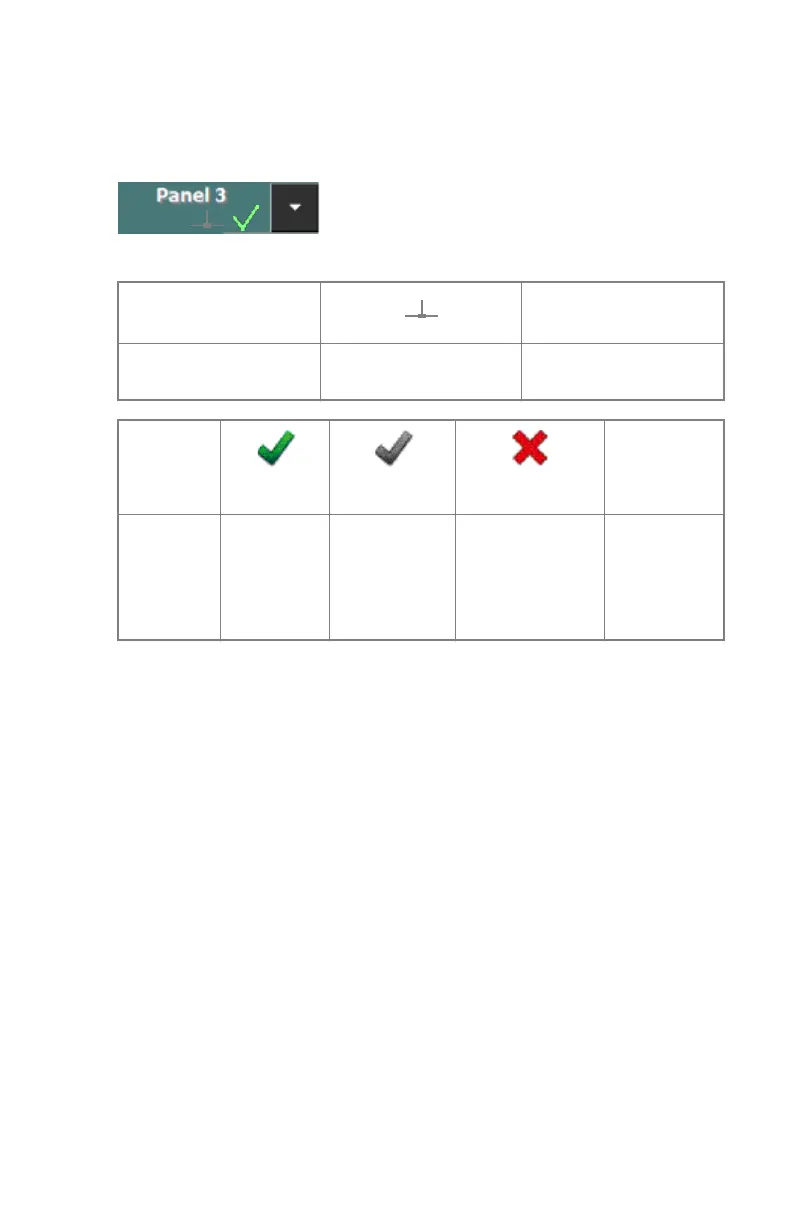
DR Detector Switch on the NX Workstation
The DR Detector Switch is available in the title bar of the NX application. The
DR Detector Switch shows which DR Detector is active and shows its status.
It is positioned in the title bar of the NX application.
Connection status
icon
(empty)
Meaning Wired DR Detector
DR Detector is off or
disconnected
DR
Detector
status icon
(blinking)
(empty)
Meaning DR Detector
is ready for
exposure
DR Detector is
initializing for
exposure
DR Detector is
off or
disconnected or
in error
DR Detector
is inactive
(no
thumbnail
selected)
DR 18M, DR 24M | Introduction to the DR Detector | 17
0380A EN 20180703 1429



 To Next Page