EasyManua.ls Logo

AGFA Drystar 5300 - User Manual

AGFA Drystar 5300
78 pages
Print Icon
To Next Page IconTo Next Page
Loading...
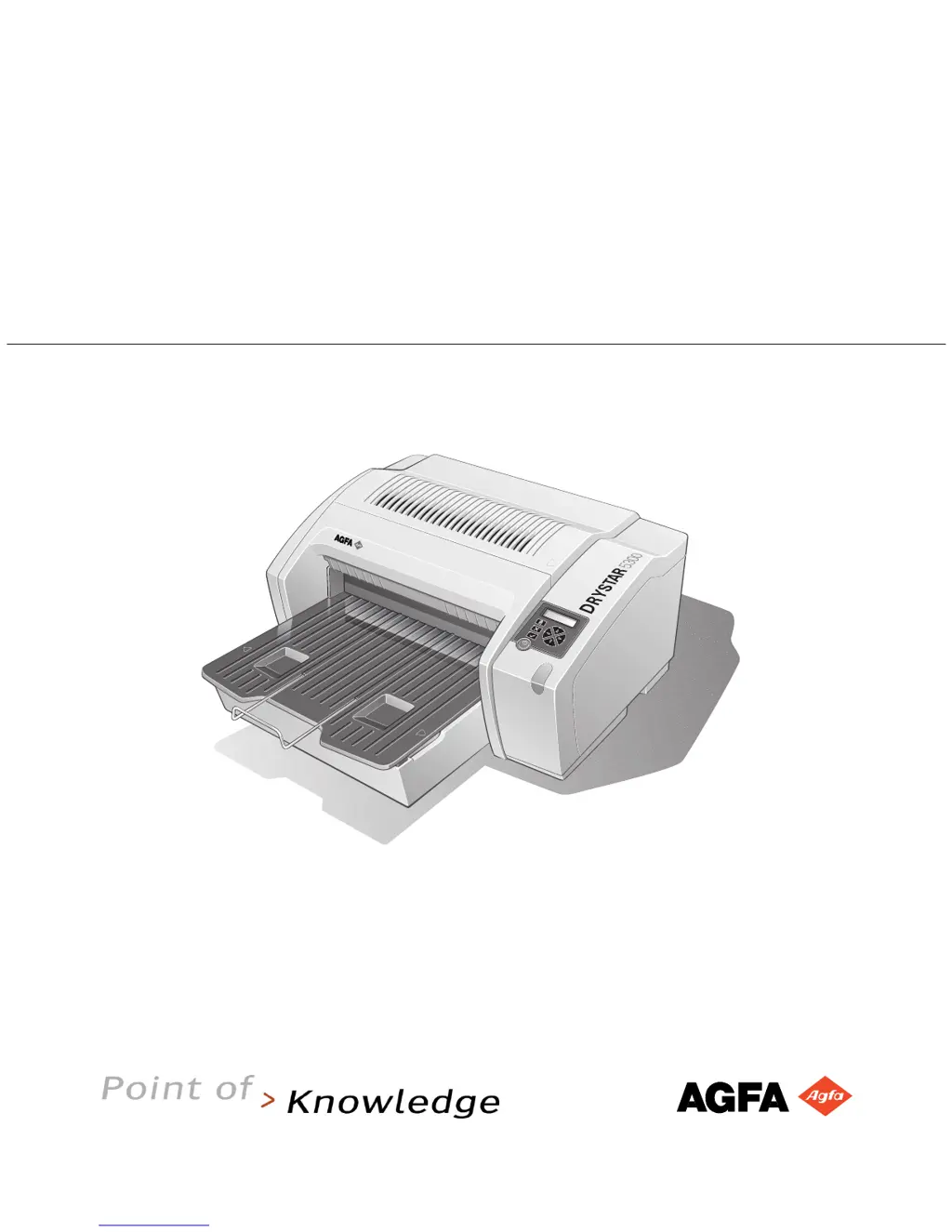
Drystar 5300
User manual
POWER

Other manuals for AGFA Drystar 5300

Questions and Answers

  • K
    Kimberly NorrisAug 1, 2025
    How to troubleshoot AGFA Medical Equipment Drystar 5300 when it does not print?
    • T
      Teresa WongAug 2, 2025
      If your AGFA Medical Equipment Drystar 5300 isn't printing, several things could be wrong. You should check the Drystar 5300 itself, look for and remove any jammed film, resolve any error messages that may be displayed, handle CF-card errors, and address any film identification problems.

Summary

Introducing the Drystar 5300

Drystar 5300 Features

Details the printer's capabilities and advantages.

Safety Precautions

Outlines essential safety guidelines for operation and maintenance.

Switching On the Drystar 5300

Provides step-by-step instructions for powering on the printer.

Switching Off the Drystar 5300

Guides users on the correct procedure for powering down the printer.

Basic Operation (Operator Mode)

Loading Films

Provides instructions on how to load films into the printer.

Advanced Operation (Key-Operator Mode)

Quality Control Procedure

Details the steps for performing quality control tests.

Troubleshooting Checklist

Offers solutions for common problems and error messages.

AGFA Drystar 5300 Specifications

General IconGeneral
Print TechnologyDirect Thermal Printing
Resolution320 dpi
Maximum Print Size14 x 17 inches
TypeImager
Media Sizes8 x 10 inches, 10 x 12 inches, 11 x 14 inches, 14 x 17 inches
ConnectivityDICOM
Power Requirements100-240 V, 50/60 Hz

Related product manuals