17
2921B EN 20031206
Control modes (local and remote)
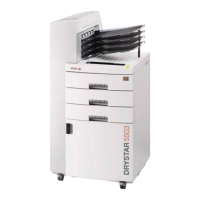
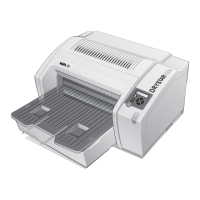
You can control the working of the Drystar 5300 via the local keypad or via a
network remote PC.
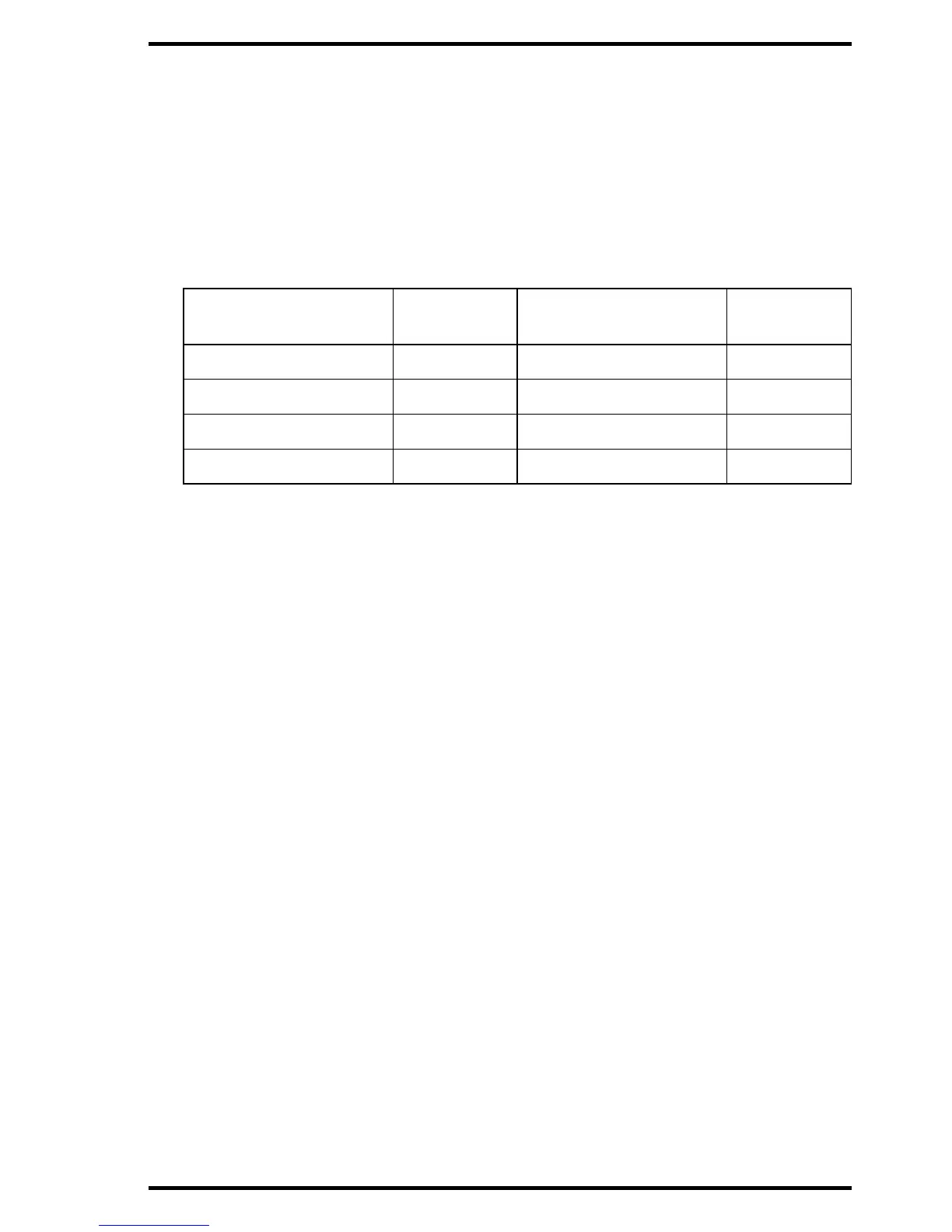
The table below gives an overview of the operating modes you can access
locally and/or via the remote PC.
The manual describes the controlling of the Drystar 5300 via the keypad. The
menus for controlling the Drystar 5300 via a remote PC are structured in the
same way, and sometimes they offer even more possibilities. Refer to
Chapter 4, ‘Controlling the Drystar 5300 via a remote PC (with browser)’ of
the Drystar 5300 Reference manual.
Local
Password
protected
Remote
Password
protected
Operator mode No ––– –––
Key-operator mode No Key-operator mode Yes
––– ––– Service mode Yes
––– ––– Administrator Yes





 To Next Page