18
2921B EN 20031206
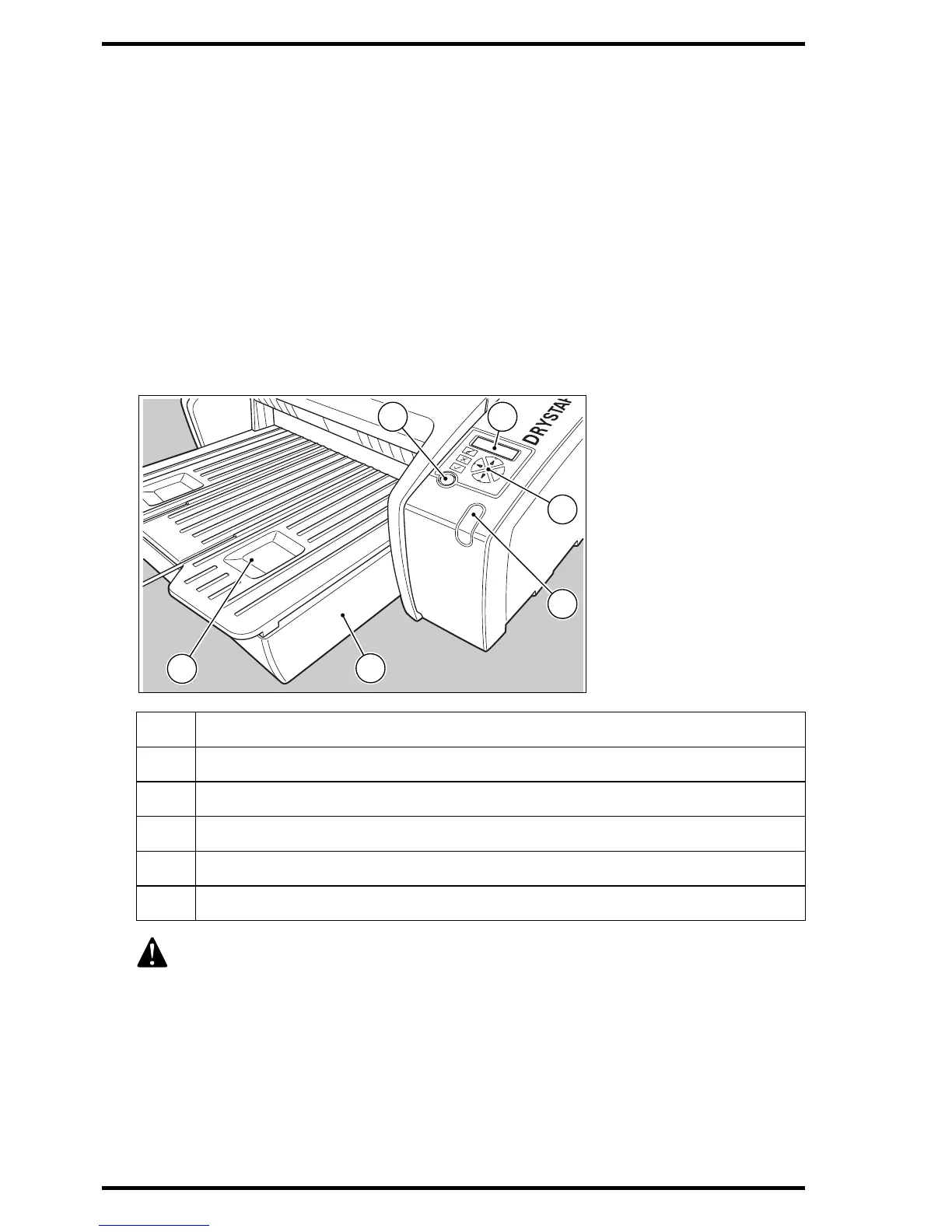
The user interface
The Drystar 5300 interfaces with the user via the following controls:
• Power/Reset button,
• a keypad and a display,
• a status indicator LED,
• audio signals.
Overview of user interface controls
1 Power/Reset button
2 Display
3 Keypad
4 Status indicator LED
5 Film input tray
6 Film output tray
Never try to open the printer when the Drystar 5300 is printing a film.
Always follow the instructions on the display!
1 2
3
4
6
5













 To Next Page