19
2921B EN 20031206
The status indicator LED
On the right side of the display, an LED indicates the status of the
Drystar 5300.
The control buttons
One control button has been provided:
Color / Light Status Action
Green
Constant
Ready (stand-by) Proceed
Blinking
Busy or in key-
operator mode
Wait
Red
Blinking
Warning status Check the display for messages.
Refer to ‘Checking the status
indicator LED’ on page 171 of the
Drystar 5300 Reference manual.
Constant Error status
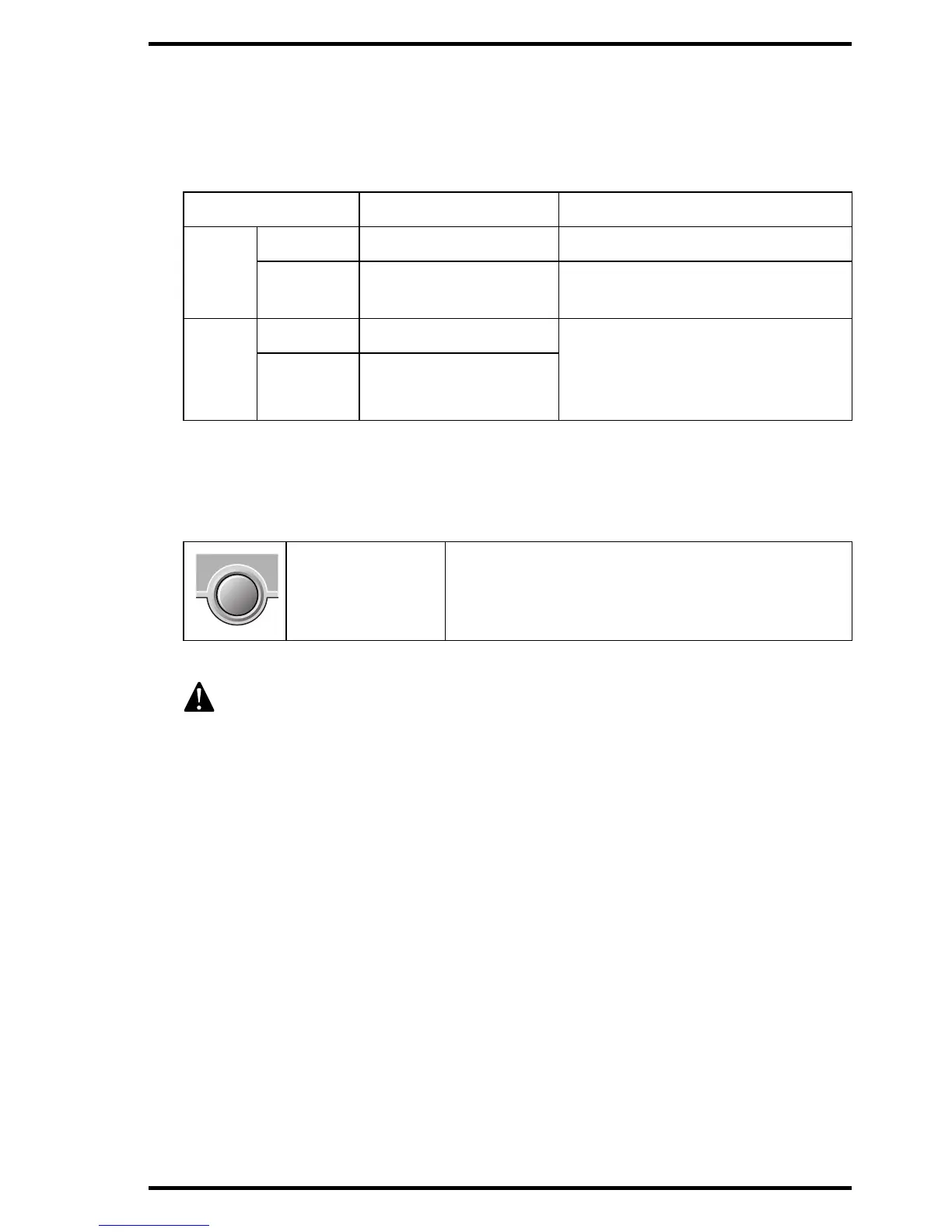
Power/Reset
button
• To power on or off the printer.
• To reset the printer.
Do NOT press the Power/Reset button without first following the
procedure to stop printing when the Drystar 5300 is printing a film. Refer
to ‘Switching off the Drystar 5300’ on page 30.













 To Next Page