26
2921B EN 20031206
Operator mode
In operator mode, appropriate information is displayed in accordance with
the status of the printer.
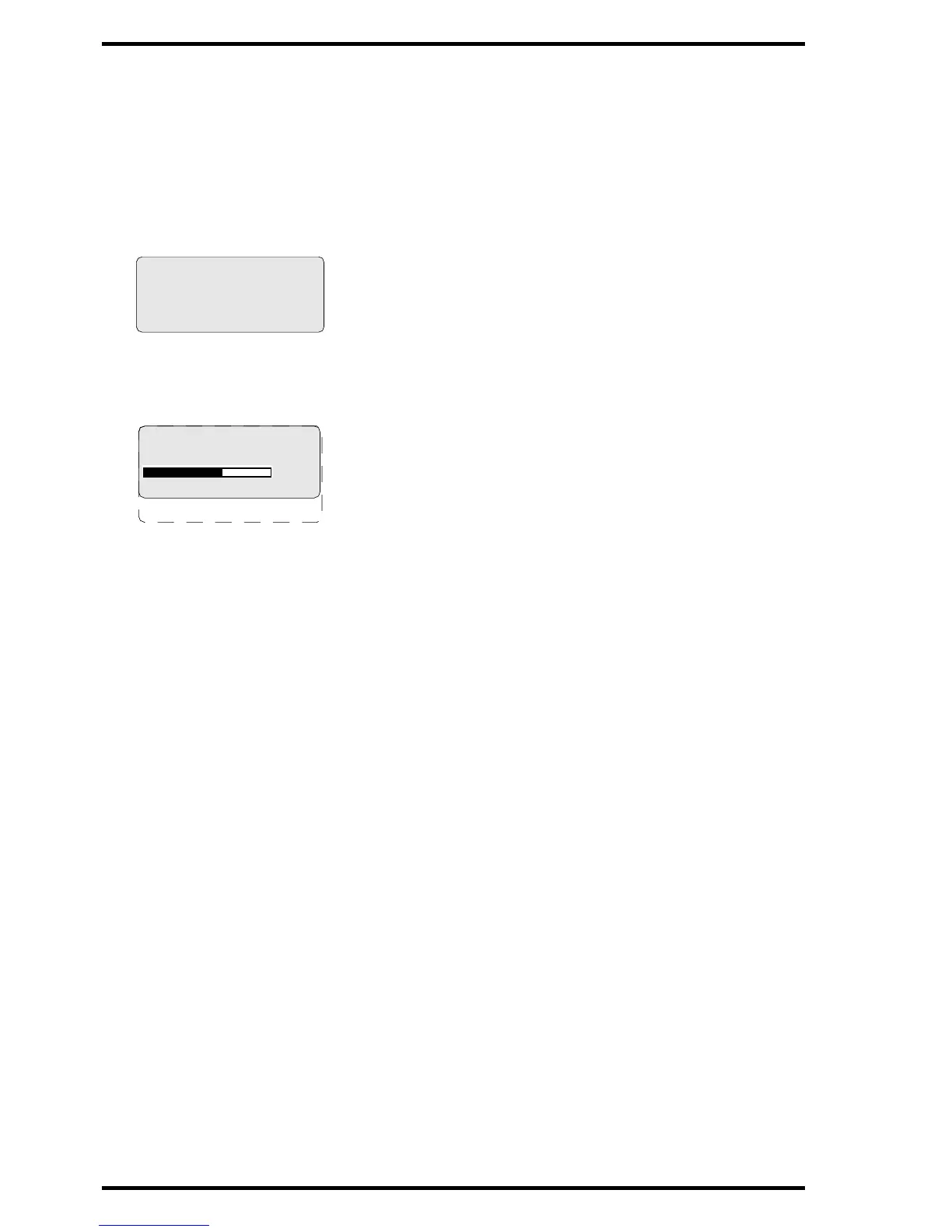
The operator basic screen looks as follows, indicating that the Drystar 5300 is
ready for operation and that no job is currently being executed.
When the printer is busy with at least one print job, the print queue screen is
displayed:
• The progress indicator keeps the user informed of the progress of a process
(e.g., calculation of a bitmap, printing of a film). The line is gradually filled from
left to right, from 0% to 100% as the process proceeds.
" On the print queue screen the modality name defined during installation
will be used to refer to the corresponding modality. In case a nickname
(daily used name) has been defined during installation, this nickname will
be used.
Refer to ‘Managing the print queue’ on page 33.
READY
Modaname 10:21:34 PR
film 1 of 6
62%
Modaname 10:21:34 CA
xx Jobs in memory WA


 To Next Page
 Loading...










