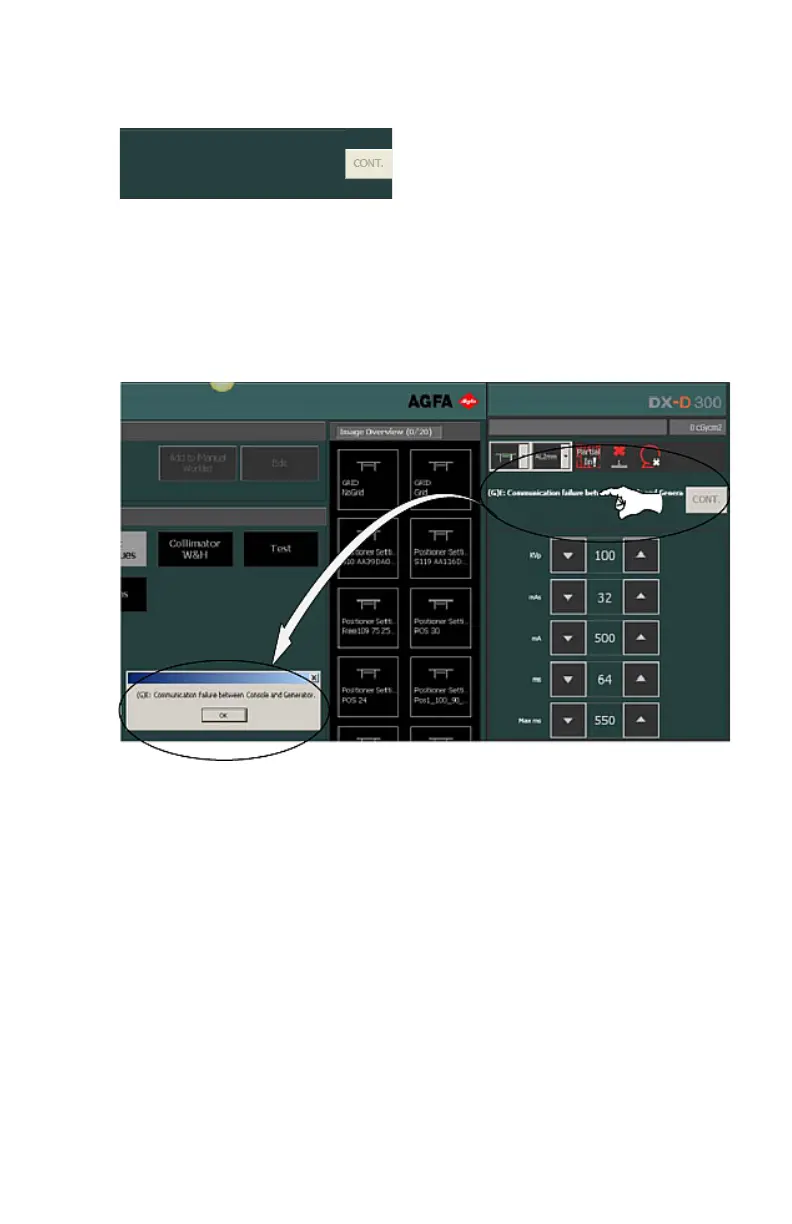
Error Status Frame
1. Button to confirm errors
The Error Status frame displays warnings, error numbers and error
descriptions. If the error has been resolved, the “CONT.” button becomes
active. Click the active button to reset the error condition.
A click on the text in the Error Status frame produces a pop-up message that
includes the whole text.
Figure 3: Error status frame and pop-up message
DX-D Software Console | Introduction to the DX-D Software Console | 13
0189D EN 20180329 1421



 To Next Page