Chapter 2 — Installing the scanner 29
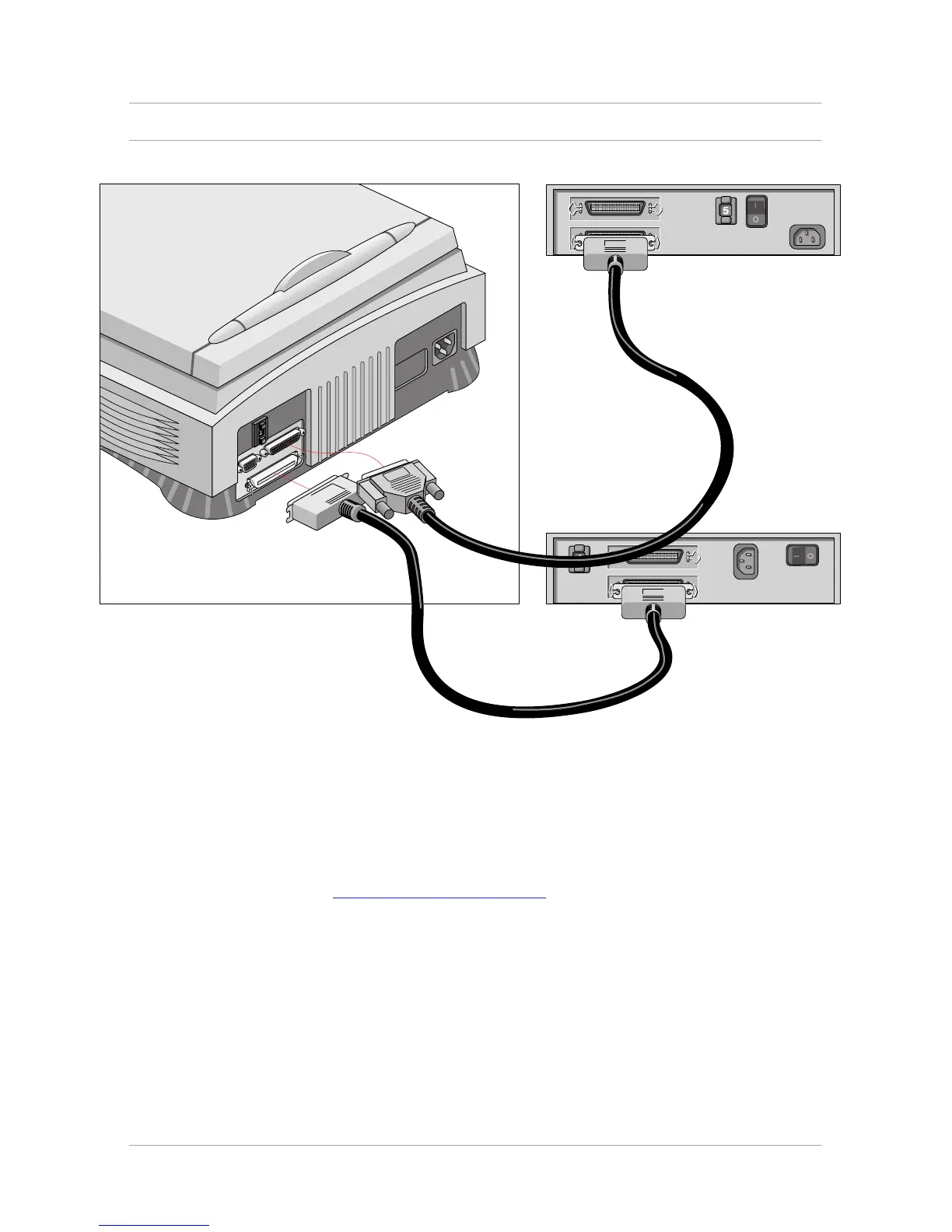
If you install the scanner between two other devices:
Caution: In this configuration you are not allowed to put the terminator on the scanner.
1. Disconnect the two devices between which you want to install the scanner.
2. Connect the 50-pin end of the SCSI cable to the connector at the rear of the adjacent device.
3. Connect the 25-pin end of the cable to the scanner's 25-pin connector.
4. Connect the scanner to the next device in the SCSI chain.
In case of problems, refer to Appendix C, “Troubleshooting”.



 To Next Page