AgfaPhoto OPTIMA 1328m
23
Using Blink Detection Mode
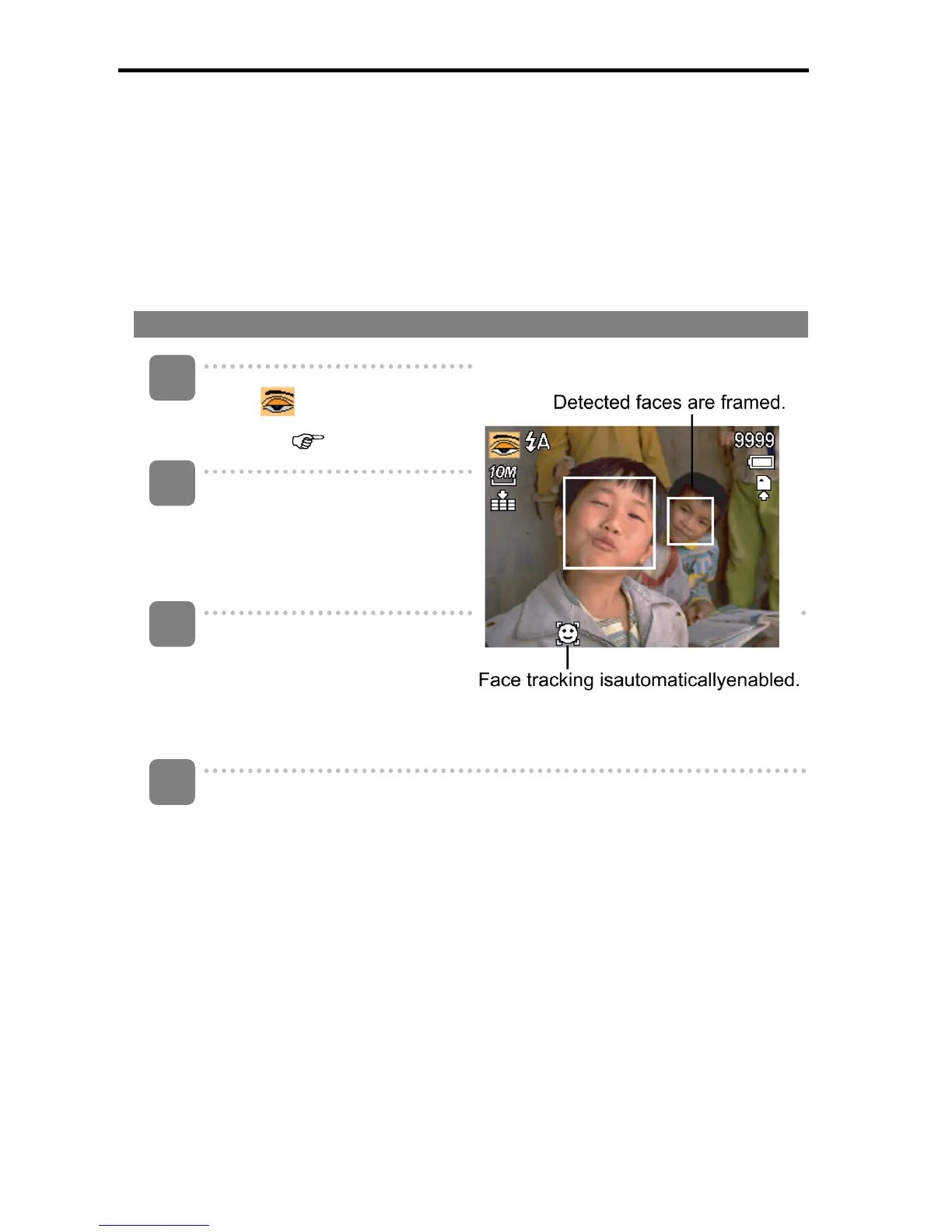
The Blink Detection mode tracks faces and determines captured image that contain
subjects with blinked eyes. After shooting, when the camera detects that the subject
blinked an eye, a menu selection appears to ask the user whether to save the image or
not. This feature saves time in managing photos to be stored or deleted from the
memory.
To activate Blink Detection
Select
from Scene Mode
submenu. (
page 14).
Half press the shutter button to
focus the subject. The frame
turns green to indicate focus is
set.
Press the shutter button to
capture the image. The image is
automatically saved unless the
camera detects that the subject
blinked an eye.
Select Save Image to save or Cancel to disregard.
1
2
3
4













 To Next Page