AgfaPhoto OPTIMA 1328m
48
Editing Images
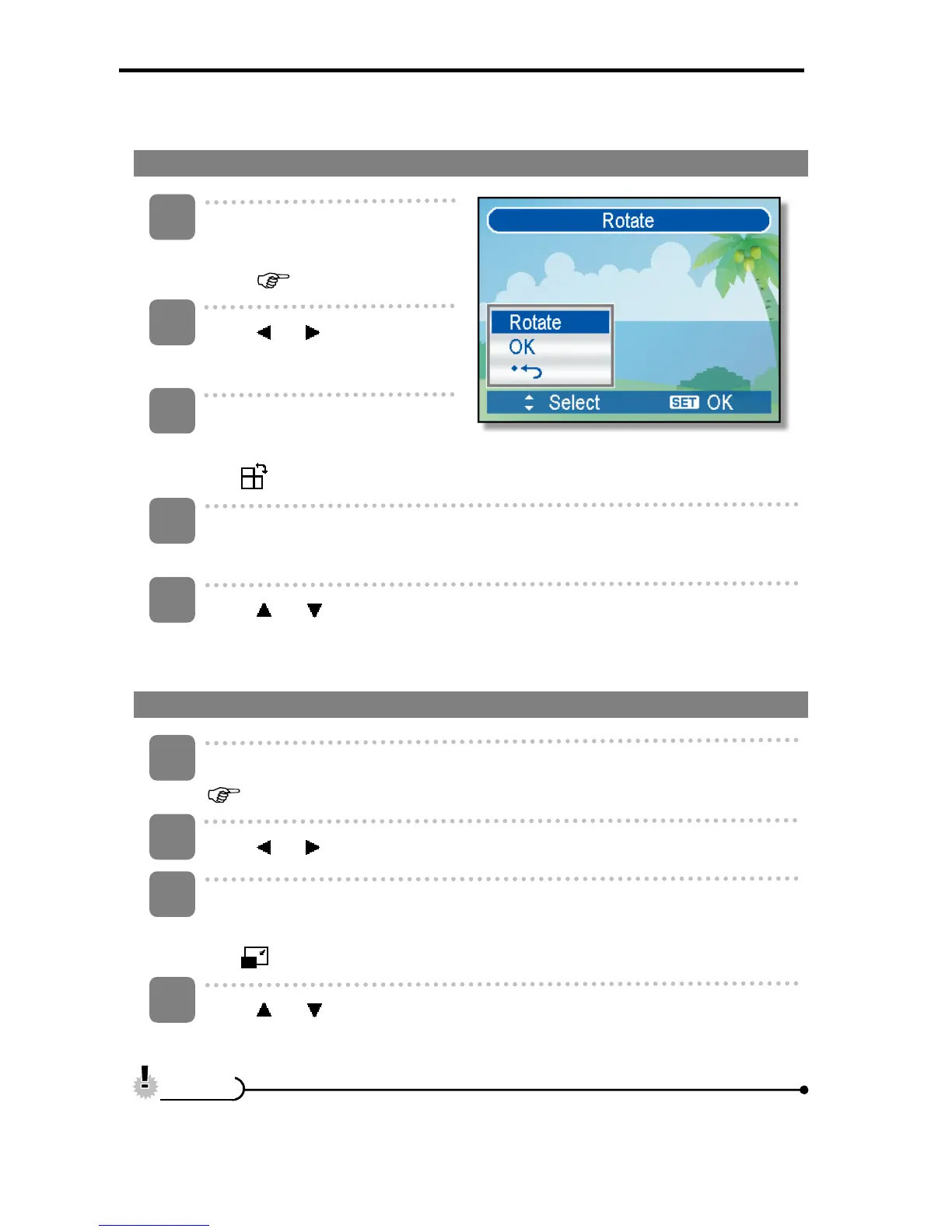
Rotating Still Images
Turn the power on, and set
the camera to the PLAYBACK
mode (
page 14).
Press
or to select the
image you want to rotate.
Open the menu.
y Press the MENU button, then use the four-way control to select Rotate
(
) and press the SET button.
Press the SET button to rotate the image.
y Each press rotates the image 90 degrees in clockwise.
Press
or to select OK, and then press the SET button to finish
rotating.
Changing the Image Size
Turn the power on, and set the camera to the PLAYBACK mode
(
page 14).
Press
or to select the image you want to resize.
Open the menu.
y Press the MENU button, then use the four-way control to select Resize
(
) and press the SET button.
Press
or to select an option, and then press the SET button.
y The resized image will be saved as a new file.
y Only a large size image can be resize to a smaller one.
3
1
2
4
5
1
2
3
4
C
C
a
a
u
u
t
t
i
i
o
o
n
n













 To Next Page