AgfaPhoto OPTIMA 1328m
35
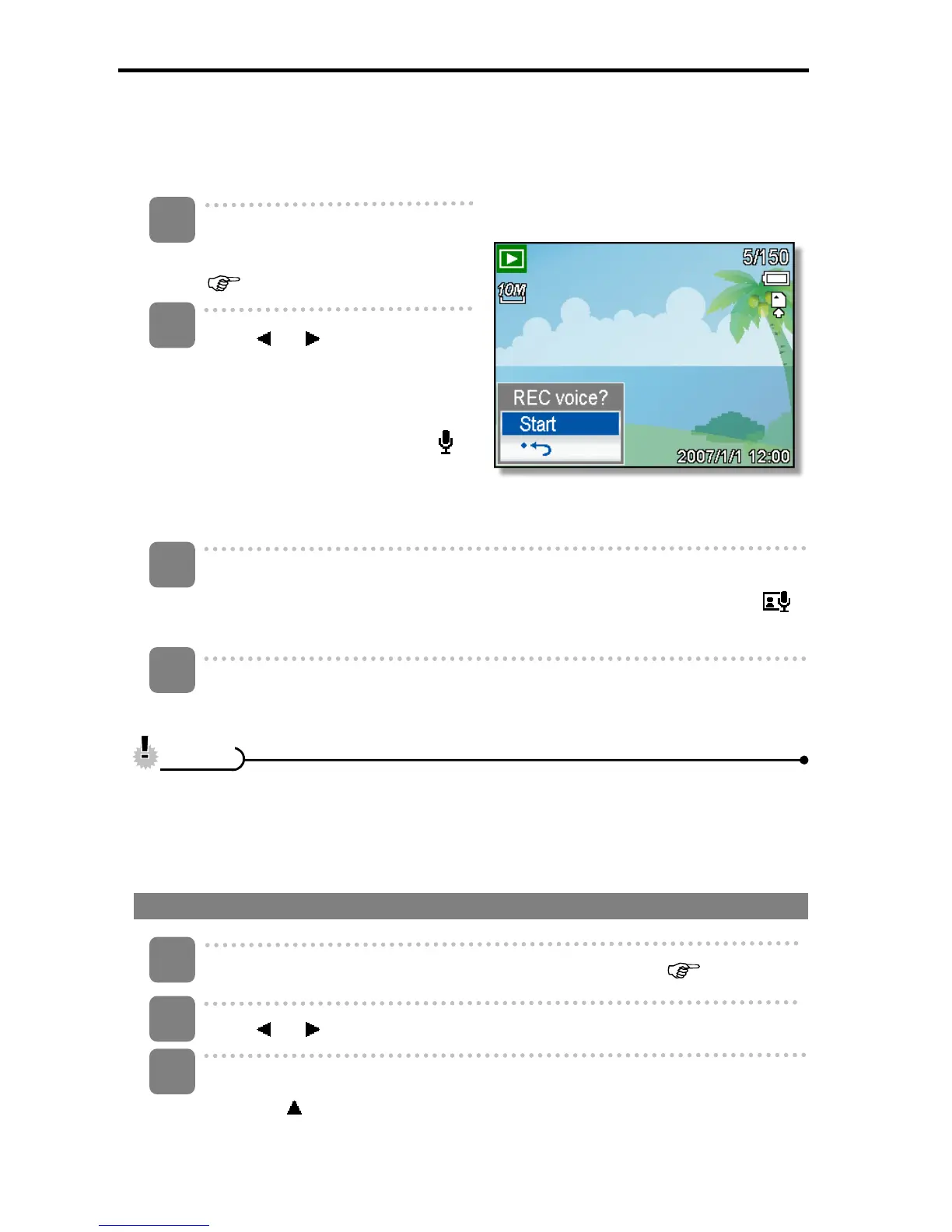
Recording a Voice Memo
You can add a voice memo to the still images after you record it.
Turn the power on, and set the
camera to the PLAYBACK mode
(
page 14).
Press
or to select a still
image that you want to add a
voice memo to.
y If the image already has the
voice memo recorded, the
appears on the LCD monitor.
The new recording will replace
the previous one.
Open the PLAYBACK menu.
y Press the MENU button, using four-way control to select Voice Memo (
)
and press the SET button.
Press the SET button to start recording for 30 seconds.
y Press the SET button again to end recording.
y The voice memo cannot be added to a movie clip or a protected image.
y You cannot delete only the voice memo. When you delete the image, the
attached voice memo is also deleted.
Playing Back a Voice Memo
Turn the power on, and set the camera to the PLAY mode (
page 14).
Press
or to select the image that has the voice memo recorded.
Start playing back.
y Press to start playing the voice memo.
3
1
2
4
C
C
a
a
u
u
t
t
i
i
o
o
n
n
3
2
1













 To Next Page