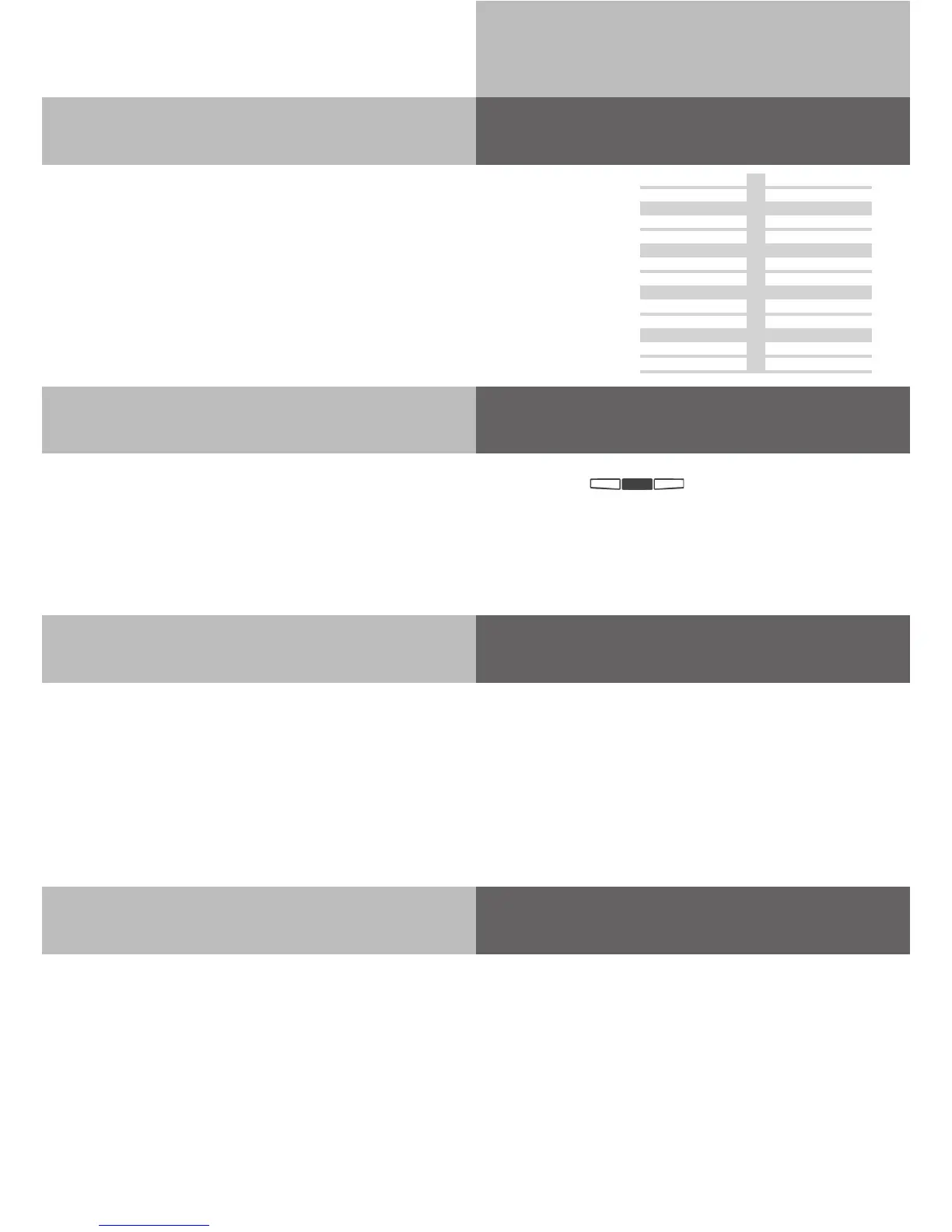
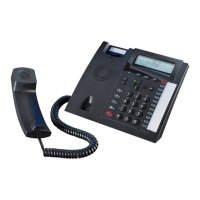
System Telephone ST 42
12
Changing Button Assignment
!31 %
z
y& !
„Direct Access“ activated
+ #
z
Calling an internal user:
Lift receiver
Press the ‘Internal or Intercom’ Button and dial the
required extension number.
+
z
Calling an external number:
Lift receiver
Just dial the telephone number required. The telephone sy-
stem automatically seizes an outside line .
+
z
Calling an internal user:
Lift receiver
Dial the Extension
Number only
+
0z
Calling an external number:
Lift receiver
Dial 0 (or 9 if applicable) to get a line. On hearing
external dial tone dial required telephone number
„Direct Access“ deactivated
Button Assignment
On delivery of the Phone System all programmable function Buttons
of the Phones have a default setting which are the same on all
System Telephones.
These Buttons can be individual programmed to suit your specific
needs.
Paging
Call Waiting
Mute
Destination
Internal
Call Filter
Destination
Destination
Destination
Destination
Destination
Destination
Destination
Destination
Destination
Destination
Appointment
Diversion to
Destination
Destination
Start Pro-
gramming
Press Button
you want to
assign
Confirm
selection
Enter the first letter of the function´s
name, or choose the function with
arrow buttons
End
Programming


 To Next Page