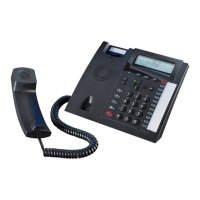
System Telephone ST 42
5
Connect the ST 42
To operate the ST 42, please insert the RJ 45 plug into the relevant socket which is connected to the
internal ISDN line or Up0 port of your AGFEO ISDN Telephone System.
- insert the RJ 45 plug into the socket until your hear a positive click.
- to release the plug, press the release latch on the plug and at the same time pull the cable out of
the socket (use a small screw driver if required).
Please note that the S0 Bus must be terminated with two 100 Ohm ¼ Watt Resistors, the UP0 port
does not require any termination.
An extension number will be allocated to the ST 42, like any other device when programming the
telephone system. If you connect the ST 42 for the first time to the telephone system, then the
digital system phone will have to be registered to the system. Please follow the instruction in the
display.
If the ST 42 is connected to an Up0-Port of your telephone system, the system will provide an
extension number automatically.
We therefore advise you to configure the extension number in TK-Suite Set before connecting
the ST 42.
ST 42 Registration
Display Position
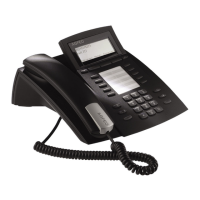
Your Display can be adjusted to 6 different viewing angles.


 To Next Page