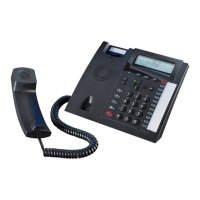
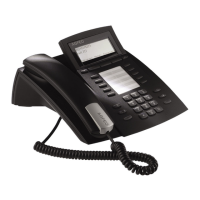
System Telephone ST 42
6
10 Function
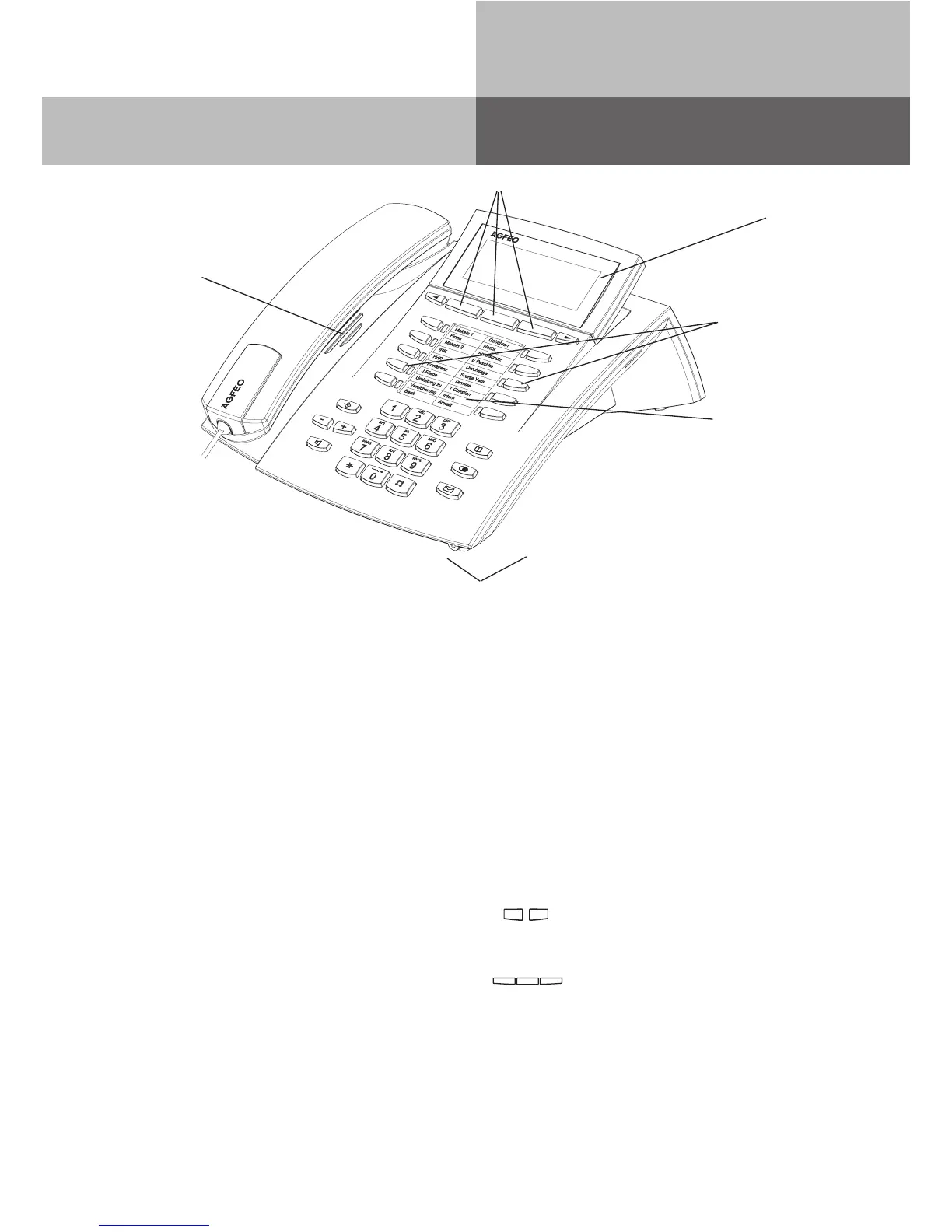
Buttons and LED‘s
Adjustable
Graphic
Display
Loudspeaker
underneath
handset
Microphone
Button Labelling
ST 42 Buttons
Softkeys
Numeric Keypad
* and # Buttons
Set Button - Start and end program-
ming. Keep this button pressed to
toggel between programming tree and
programming index
Handsfree Button - Activates the
Loudspeaker. Button lights up when
activated.
Arrow Buttons - To scroll through the
display where there is more than one
function.
Phone Book Button - Retrieval of Tele-
phone Numbers.
LNR - Last Number Redial Button.
Keep this button pressed to show call
log.
1 0
* #
!
=
y&
t
:
M
%
Mail Button - Flashes on new
entry in call log or missed calls.
Stays lit for numbers already
viewed. Clears when number
is called or deleted from list by
pressing clear button
10 function Buttons - User pro-
grammable, two entries per But-
ton (First & Second Level) Keep
this button pressed for approx
1 sec. to show the second level.
LED indication only for first level.
Plus and minus for volume con-
trol of handset and speaker.
Softkeys: The function for these
buttons are shown in the display
above. Function offered are de-
pending on the relevant phone
status.


 To Next Page