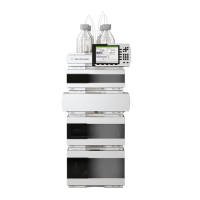
Agilent 1290 Infinity Pump Service Kit 3
Disassembling the Pump Head
When If parts inside the pump head need to be replaced
Tools required 14mm wrench
4mm Hex key
2.5mm hex bit
Parts required See Ta b l e 2 , “Maintenance parts,” on page 2
This procedure describes replacements for the pump heads of channel A.
Replacement for channel B can be done accordingly. The primary pump head
does not have a heat exchanger. Seal wash parts are optional.
1 Do NOT switch off the pump. Use your service
user interface, for example Lab Advisor for
bringing the pump to its maintenance
position. In Lab Advisor go to Tools >
Remove/Install Pump Head and follow
instructions given on the screen.
2 Close the shut-off valve of the respective
pump channel.
3 Remove the flow connection between the
degassing unit and the primary pump head
inlet. Remove the capillary connection at the
top of the secondary pump head to the pump
valve.
DO NOT REMOVE the capillary connection
between the pump heads marked by the red X.

 To Next Page
 Loading...