53220A/53230A User’s Guide 203
53220A/53230A Math, Graphing, and Data Logging 6
Statistics
Statistical calculations are performed continually on readings as they are
taken, or until the total reading count (TRIGger:COUNt x SAMPle:COUNt) is
reached. The commands used to generate statistical data are covered in this
section.
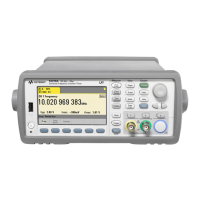
As mentioned, multiple operations can be enabled at the same time. Figure 6-3
is an example with statistics and limit checking enabled.
Figure 6-3. Counter Display with Limit Testing and Statistics Enabled.
Enabling Statistics
Before statistical calculations are performed they must be enabled using the
command:
CALCulate1:AVERage:STATe ON
ALCulate1:STATe ON
CALCulate1:AVERage CLEar


 To Next Page