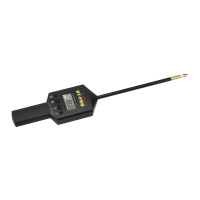
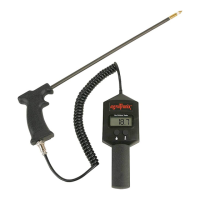
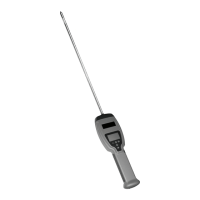
Operation
WHAT THE CODE DISPLAYED ON THE SCREEN AT
POWER UP MEANS:
When you turn the tester on an Alfa-numeric code will be displayed. This
code represents the “SOFTWARE VERSION” of the program that your
BHT-2 is using. If a new program is available it can be updated using the
included USB cable and access to the Internet.
Please check our website for further information on updating your BHT-2.
MODE (B)
The mode button (B) allows you to select the various mode options
which are:
MOISTURE OFFSET - Used to apply offset to reading
MOISTURE HIGH LIMIT - Used to set high limit
MOISTURE LOW LIMIT - Used to set low limit
BALER TYPE - Small square baler and round baler
USING THE MODE BUTTON:
1. When the mode button (B) is pressed, which can be done at any
time, a blinking triangular indicator (F) will appear next to the mode
that is currently selected. Each time the mode button (B) is pressed
the triangular indicator (F) will toggle to the next mode.
2. Once you have selected the mode option you wish to change, as
indicated by the blinking triangular indicator arrow (F), simply press
the up or down arrows (C) to make the selected mode adjustment.
NOTE: Once you have finished, simply wait approximately 10
seconds, without touching any buttons. The unit will save your
changes and return to its “NORMAL OPERATING MODE”, and
display bale moisture.
14


 To Next Page