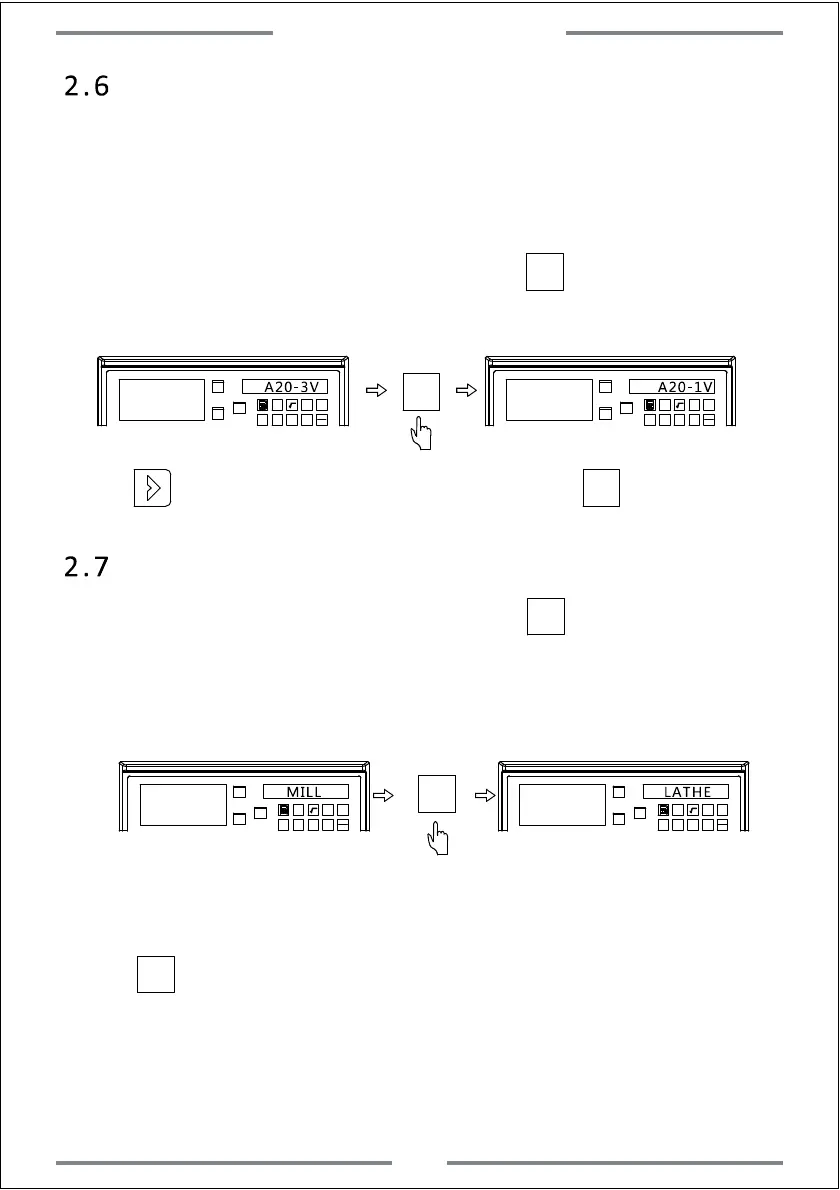
2.6 Number of Axis Setting
2.7 Machine Mode Setting
While entered the machine mode setting,press to select the machine
mode.Both A20-1V and A20-2V contain mode of MILL,LATHE and GRIND.
A20-3V contains the mode of MILL,LATHE and EDM.User could select
accordingly.
X0
Y0
X
1 32
-
+
CLS
Arc
sin
TOOL
X0
Y0
X
1 32
-
+
CLS
Arc
sin
TOOL
MILL LATHE
MILL indicates the current mode. LATHE indicates the set mode.
·
Press to save and exit.
X0
X0
The number of displaying axis could be set in this DRO.For example,if
the DRO gets 3 axis displaying.We could turn off 1 or 2 axis of the three
to make it be 1 or 2 axis displaying.
Once entered the number of axis setting,press to set the number
of axis.The operations are shown as below:
X0
X0
Y0
X
1 32
-
+
CLS Arc
sin
TOOL
A20-1V
X0
X0
Y0
X
1 32
-
+
CLS Arc
sin
TOOL
A20-3V
·
Press to enter the next parameter setting,or press to save and exit.
6
System Parameter Setting



 To Next Page