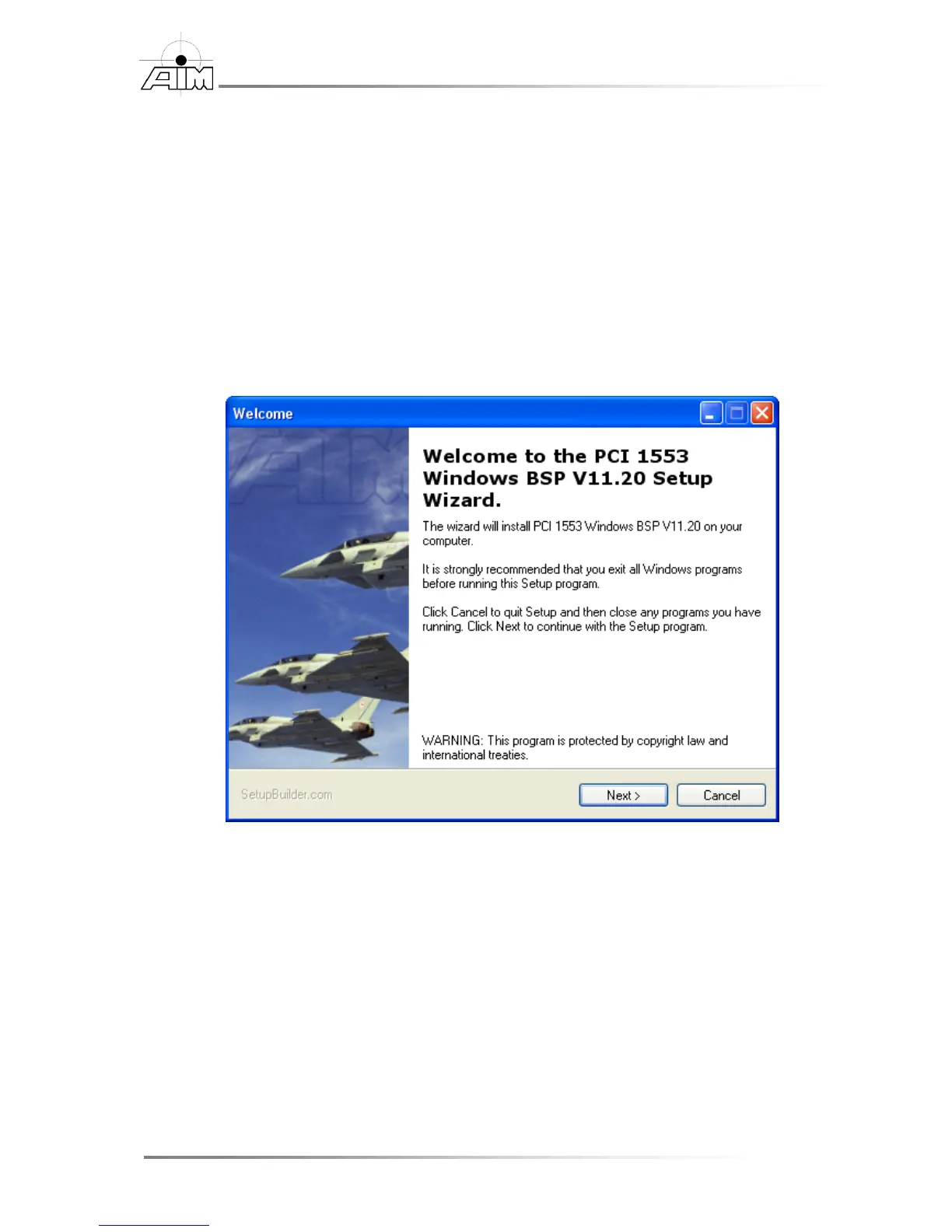
To install the BSP software from the AIM provided CD or a download from
AIM-Online
1. If using the AIM provided DVD, insert the DVD into the DVD ROM drive.
The Setup Application will automatically start after a few seconds.
If the Setup Application does not start after a few seconds, or the BSP is
being installed from an AIM-Online download, the Setup Application must
be manually started.
2. To Start the application manually, navigate to the DVD ROM drive or the
download directory and double click the Setup.exe icon, or start it with the
Start | Run... command.
3. Once the Setup Application has started, step through the install wizard to
complete the installation.
You will be given the opportunity to choose the directory where the BSP is to
be installed. Default locations can also be used.


 To Next Page