2.2 Hardware Installation
Once you have installed the BSP as described in Section 2.1, you can now begin installation
of the hardware and associated driver. AIM devices are full PCI Plug-and-Play capable.
There are no jumpers or switches to modify before installation.
The hardware installation is completed by performing the steps as described below:
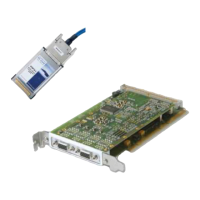
a. Install the device as described in Section 2.2.1.
b. Install and verify the Windows driver as described in Section 2.2.2 Driver
installation for Windows XP , Windows Vista and Windows 7 systems


 To Next Page