CHAPTER 6
18 19
SOLO 2 DL
6.3 Backlight
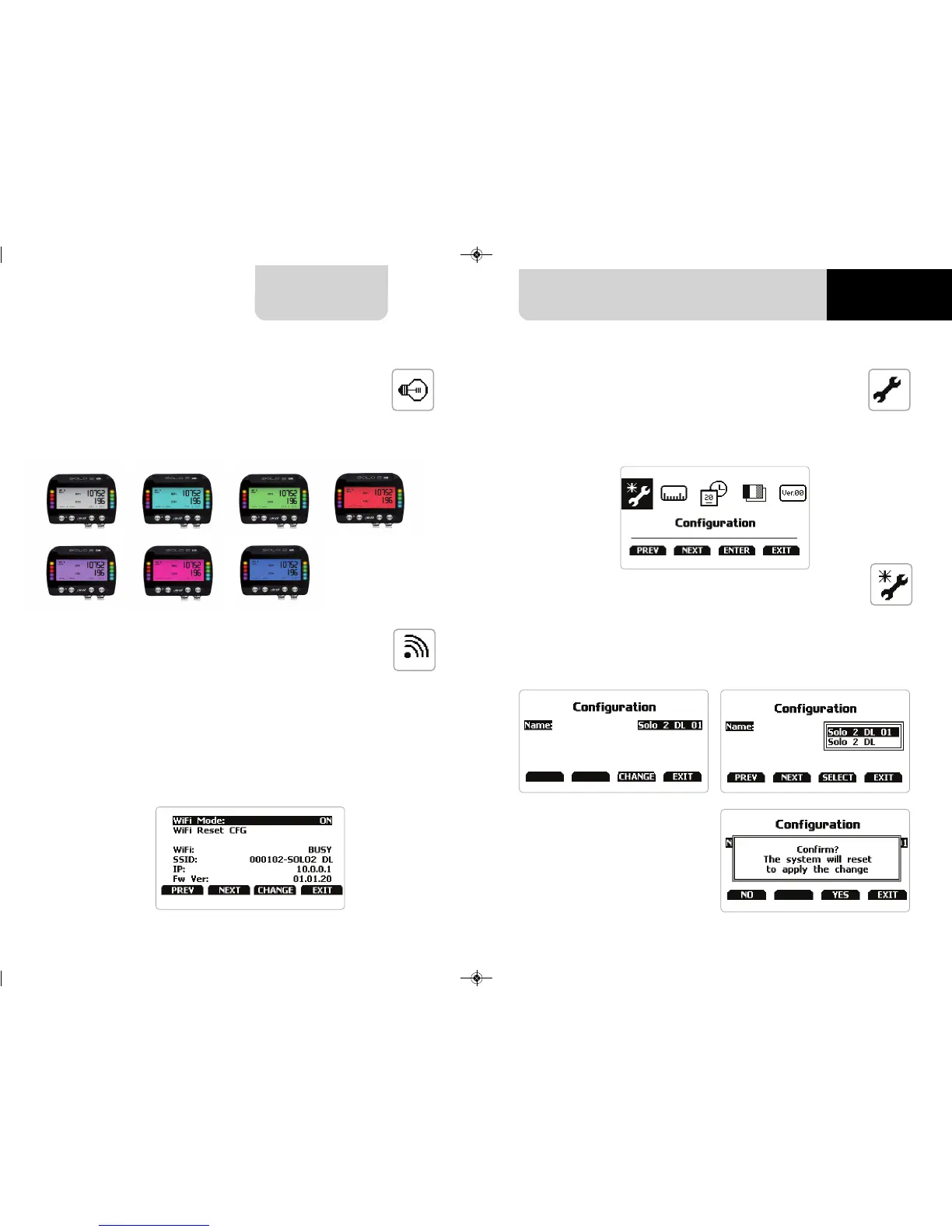
Selecting this icon you enter this page:
n
The system asks for confirmation:
press ”YES”
In case you transmitted multiple configurations (max allowed number of configura-
tion is 10 – see the related paragraph) this page shows the one currently in use. To
change it:
n
press “CHANGE”
n
use “PREV” and “NEXT” button to select the configuration to set and press “EXIT”
You can set Solo 2 DL backlight as “ON” (default setting) or “OFF” as well as choose
among eight different colours: white, purple, red, green, yellow, blue, magenta and
cyan.
6.5 System settings
6.5.1 Configurations
6.4 Wi-Fi
Here you can manage Wi-Fi as well as reset its configuration. Wi-Fi modes are:
n
ON
n
Auto: switches Wi-Fi on when the vehicle is stopped and automatically switches
it off when Solo 2 DL starts recording (according to “Memo” trigger setting)
n
OFF
“Wi-Fi Reset CFG” allows you to reset Wi-Fi configuration and is very useful if you do
not remember Wi-Fi password.



 To Next Page