CHAPTER 7
22
23
SOLO 2 DL
Using AiM Race Studio 3 software you can configure Solo 2 DL, manage its tracks as
well as check other device functions using the device window.
7. Solo 2 DL and the PC
7.1 Connection to the PC
Solo 2 DL can be connected to the PC
only via Wi-Fi. To do it:
n
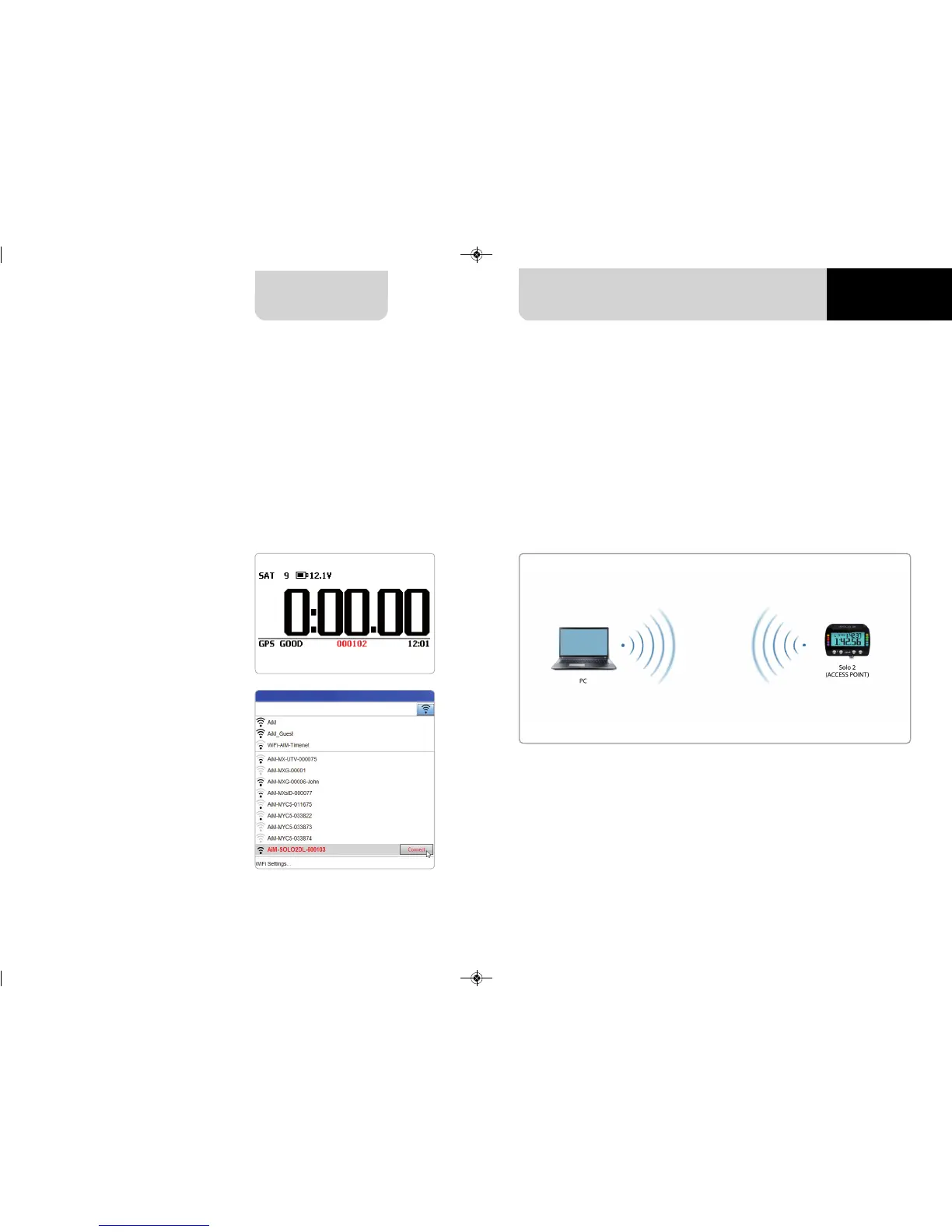
check that Solo 2 DL Wi-Fi is set
on “AUTO” or on “ON”
n
read your Solo 2 DL name
– mid of Solo 2 DL home page
bottom line – or look for it in
“System Information” page.
n
click Race Studio 3 Wi-Fi icon and
select your Solo 2 DL.
7.1.1 Wi-Fi configuration
Solo 2 DL configuration can be made only using Race Studio 3 software. Two possible
Wi-Fi modes are available.
1 – As an Access Point (AP – default)
This is the ideal configuration if you have one only device and one only computer.
In this situation your Solo 2 DL creates a Wi-Fi network and works as an Access Point
you can connect your PC to.



 To Next Page