13
Reading the A/D Values
During diagnostics steps, 2 sensors should appear on the screen. If not,
call customer support for assistance.
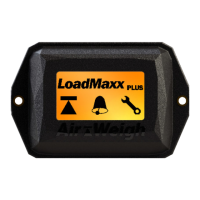
1. With power to your trailer, turn on your scale. If the scale is o,
touch the screen to wake it up
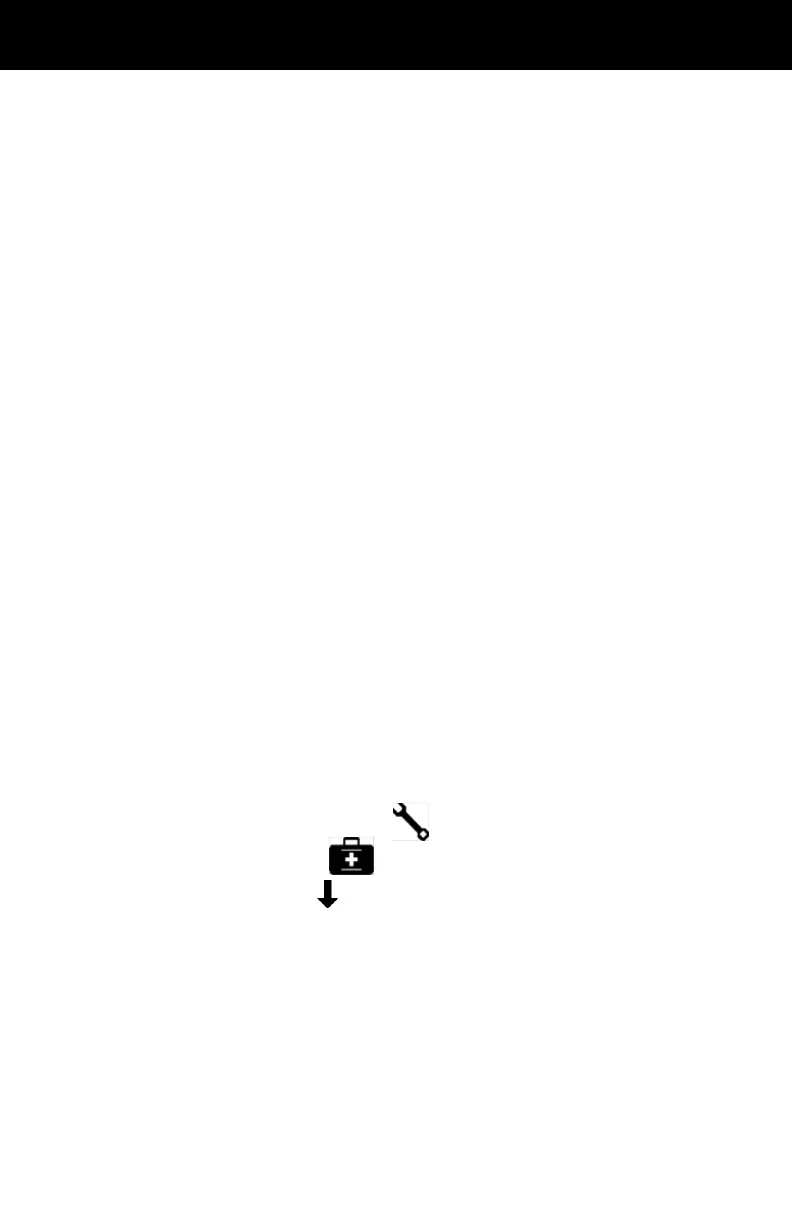
2. Select the image of a wrench to go to the Setup menu
3. Select the medical bag to go to Scale Diagnostics
4. Press the down arrow until you see information on A/D readings.
The screen should show A/D 1 and A/D 2 on the same screen.
Each sensor values should range from 750-1250 during install
5. If the A/D readings are appropriate, your trailer has been installed
correctly. If they are inaccurate, follow instructions for adjusting your
A/D reading and check all connections and make sure they are
securely attached
If using the trailer display, the scale must be installed and powered, and
the Deection Sensor Extension Cable must be installed.
1. Ensure that the deection sensor connector is plugged into the
sensor extension cable that has been routed from the trailer
display.
2. Ensure the locking tabs on the connector plug engage completely.
3. Tighten both nuts on the sensor bracket using a torque wrench.
Torque to 60 ft-lbs.
4. Verify the A/D reading using the trailer scale display, or the
deection sensor test box. If the reading is within range (750-
1250), continue to instructions for the Final Sensor Torque. If the
reading is not within range, follow the instructions to adjust the A/D
readings on the following page.


 To Next Page