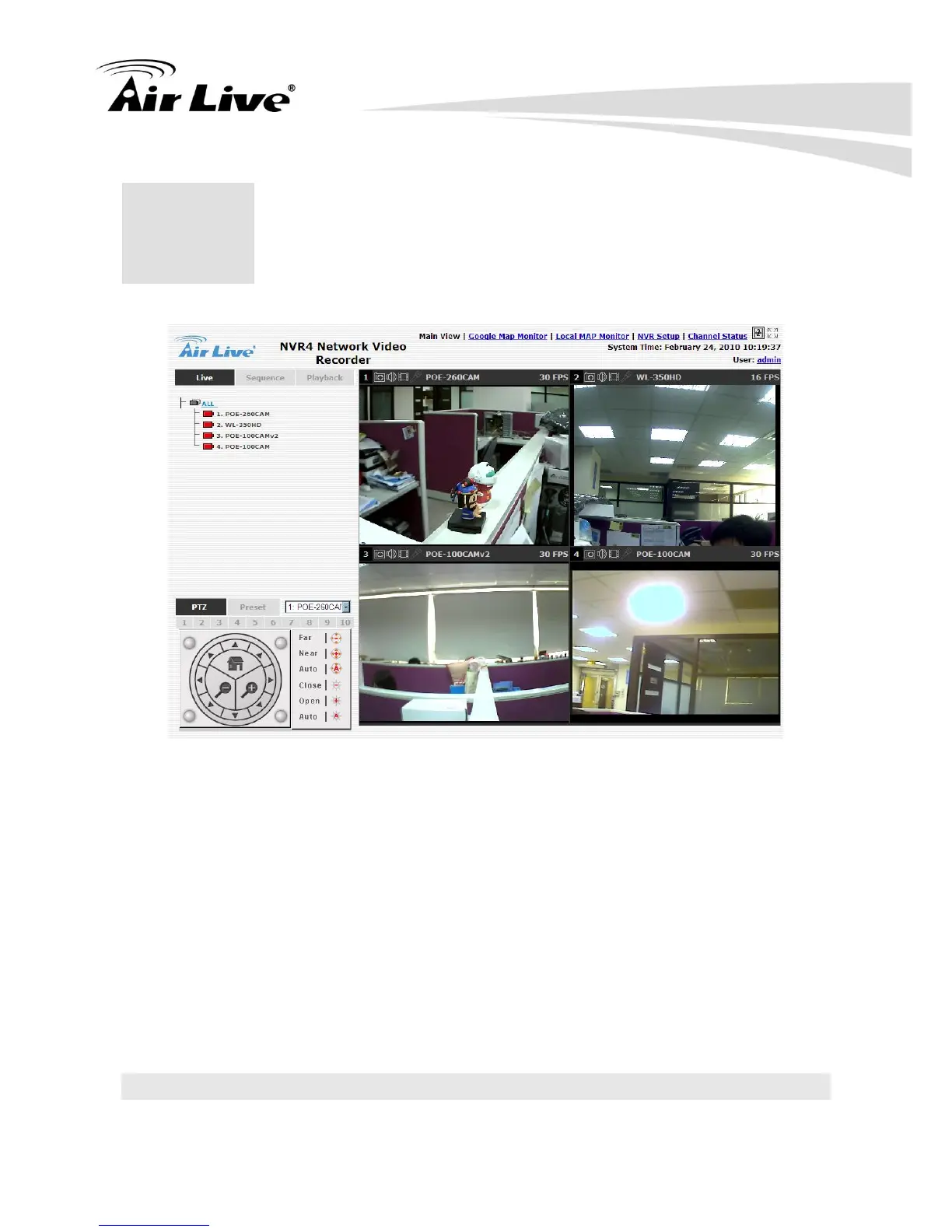
The “Live View” page provides the following functions:
Retrieve camera’s video stream
Retrieve camera’s status
Perform Live Sequence Viewing
PTZ Control
Perform PTZ Preset Sequence viewing
Perform manual recording
Take snapshot
Receive audio of a video stream
Send audio
Control “Buzzer”
Change web UI display language
3.1 Retrieve camera’s video stream
The camera list is expanded and displayed on the Live View page.



 To Next Page