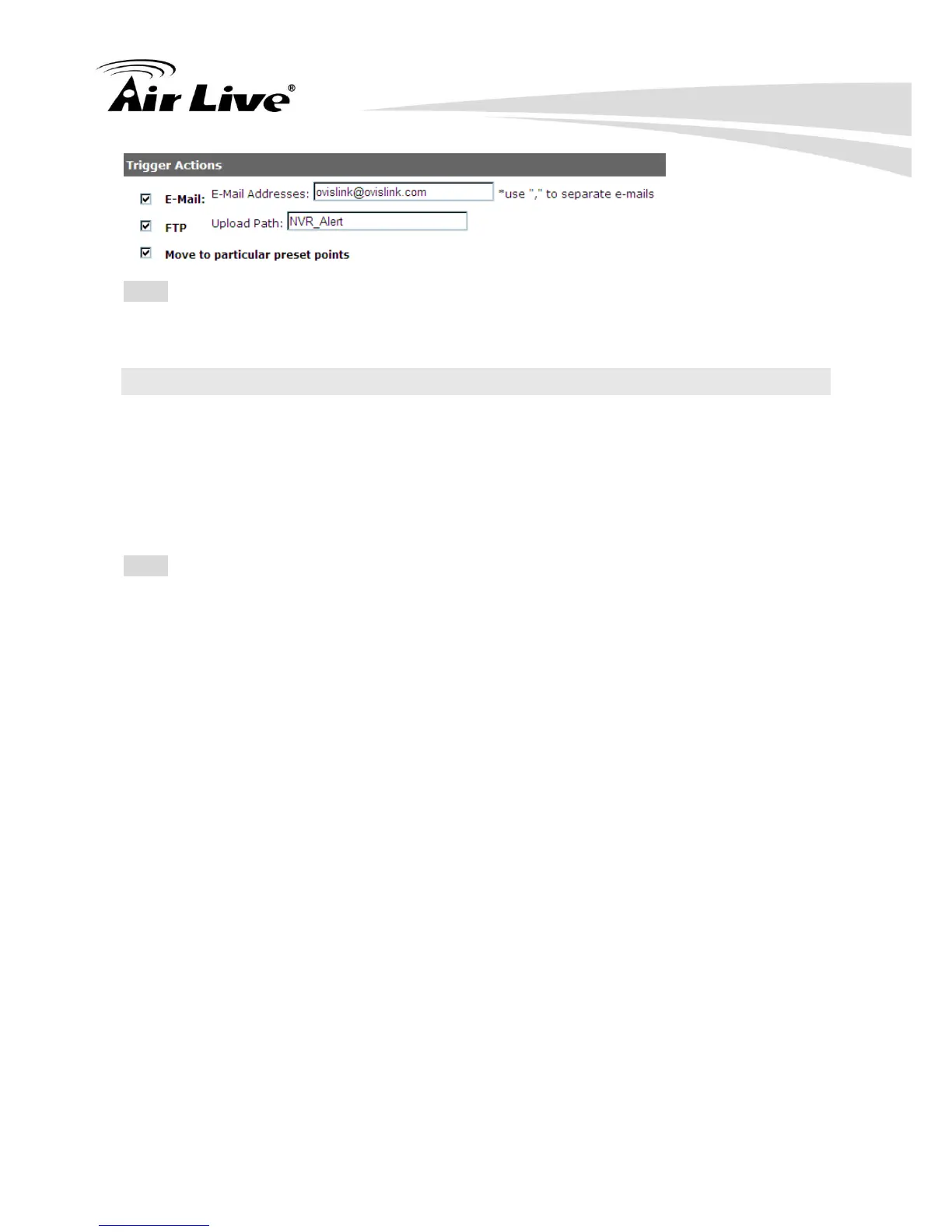
Note: Event trigger may not work for cameras that are placed outside of your local network
or on the Internet until the “UPnP Port Forwarding” is enabled in both the NVR and the
router.
5.4 Recording Configurations
The “recording configurations” gives users the overall control of how and when a recording
is performed. NVR provide you to select weather to record I Frame only, or to record all
frames delivered by the camera. It can help the NVR to operate with sufficient system
resource by performing recording only when it’s necessary with adjustable recording frame
rate.
Note: In an MPEG video stream, I Frame means a full frame. That is, I Frame does not
need any information from the frame before it or after it to be played back properly. If you
select to record I Frame only, NVR will not save frames other than I Frame.
5.4.1 General Settings
You can configure the following in “General Settings”:
Pre-Alarm/Post-Alarm recording length.
Recording frame type.
Enable/disable different recording types on different cameras.



 To Next Page