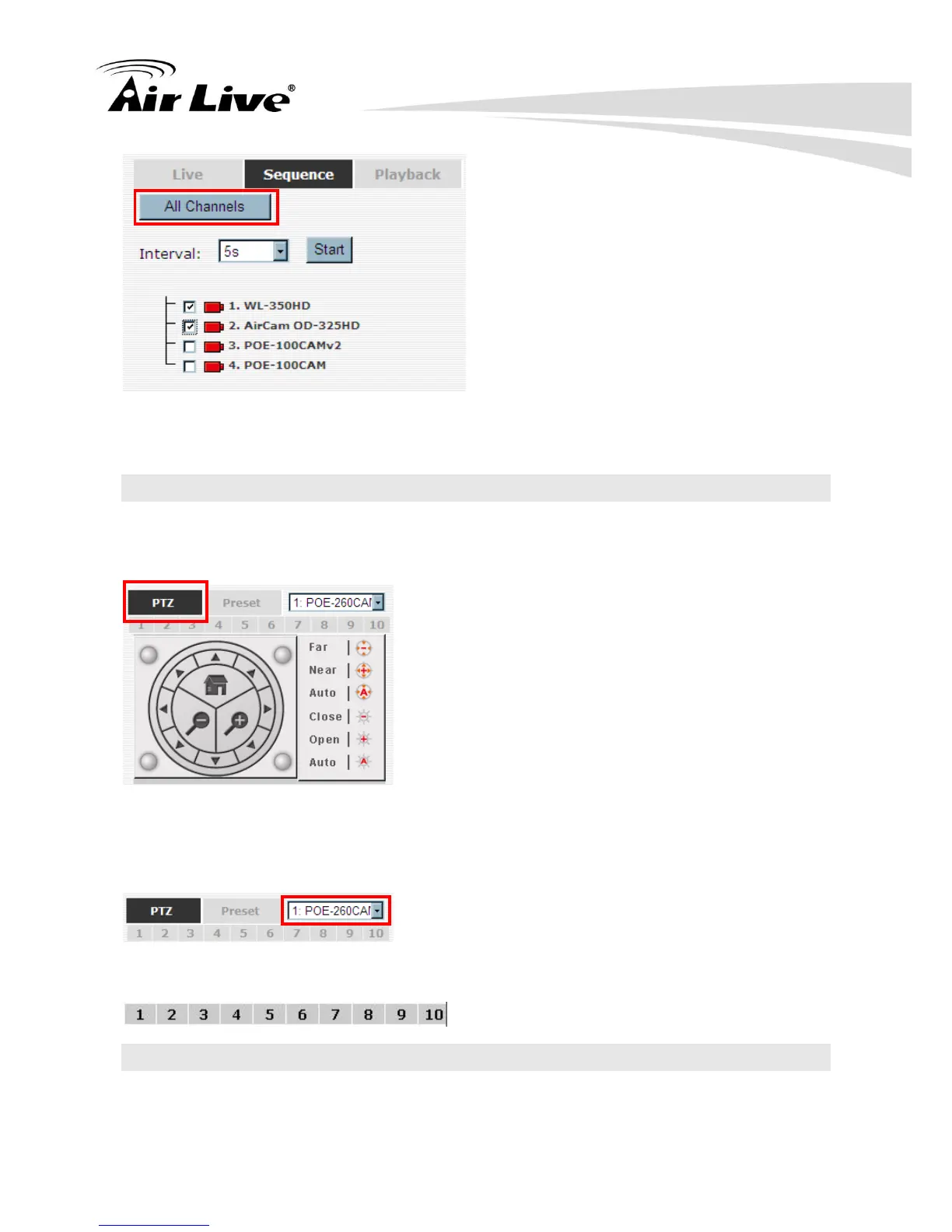
Then select dwell interval from the drop-down menu, finally click “Start” to start sequence
viewing
3.4 PTZ Control
PTZ control provides functions to pan, tilt, and zoom PTZ camera as well as the ability to
adjust camera focus and iris
Camera(s) that are currently being selected for live viewing will be listed in the PTZ
drop-down menu. Simply select a camera then use the PTZ control panel to control the
camera
The bar shown below allows you to control the pan/tilt speed.
3.5 Perform PTZ Preset Viewing
There are three functions provided in the “Preset” section:



 To Next Page