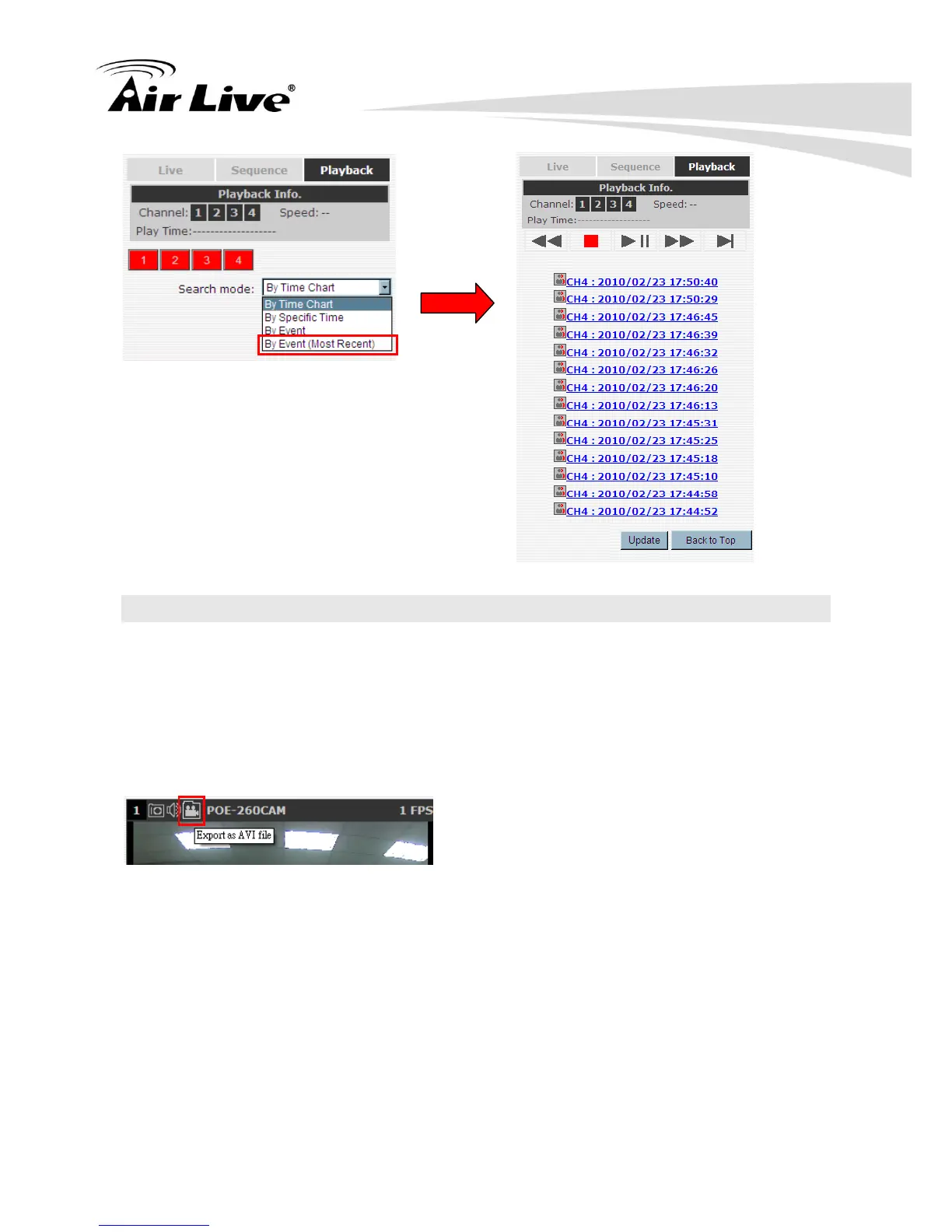
4.2 Export Playback Videos to AVI Files
User can export the recorded playback videos stored on NVR to a local computer and save
them in AVI file format. The files can then be played on the PC by a 3rd party media player
such as VLC player or Windows Media player.
Once you locate the recorded videos with steps described in the previous section, hit the
“Export AVI” button on a video window of the video you wish to export.
A new dialog will pop up and allows you to specify the time frame (or length) of the video
you wish to export



 To Next Page