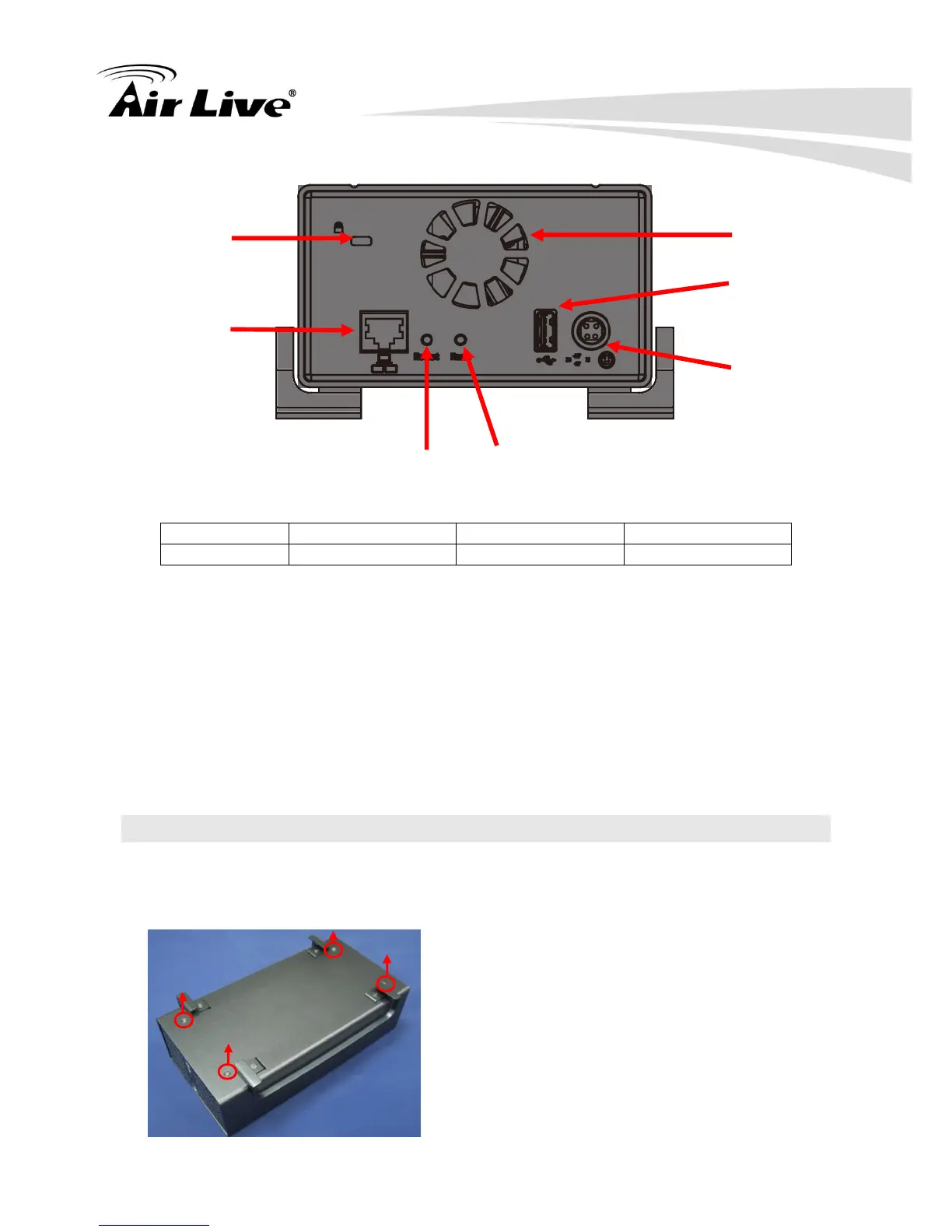
Restart Button
Press and release the button for hardware restart. The OS LED should should go off during
the restart to indicate the system is restarting. The LED should indicate in solid green once
the system becomes ready.
Reset Button
Press this button will restore the system’s settings to factory default values. To start, press
and hold the button for 5 seconds then release it once the OS LED goes off. The OS LED
should indicate in solid green once the system becomes ready.
2.3 Hardware Installation
2.3.1 Install the Hard Disk
Remove the four screws from the bottom of the case.



 To Next Page