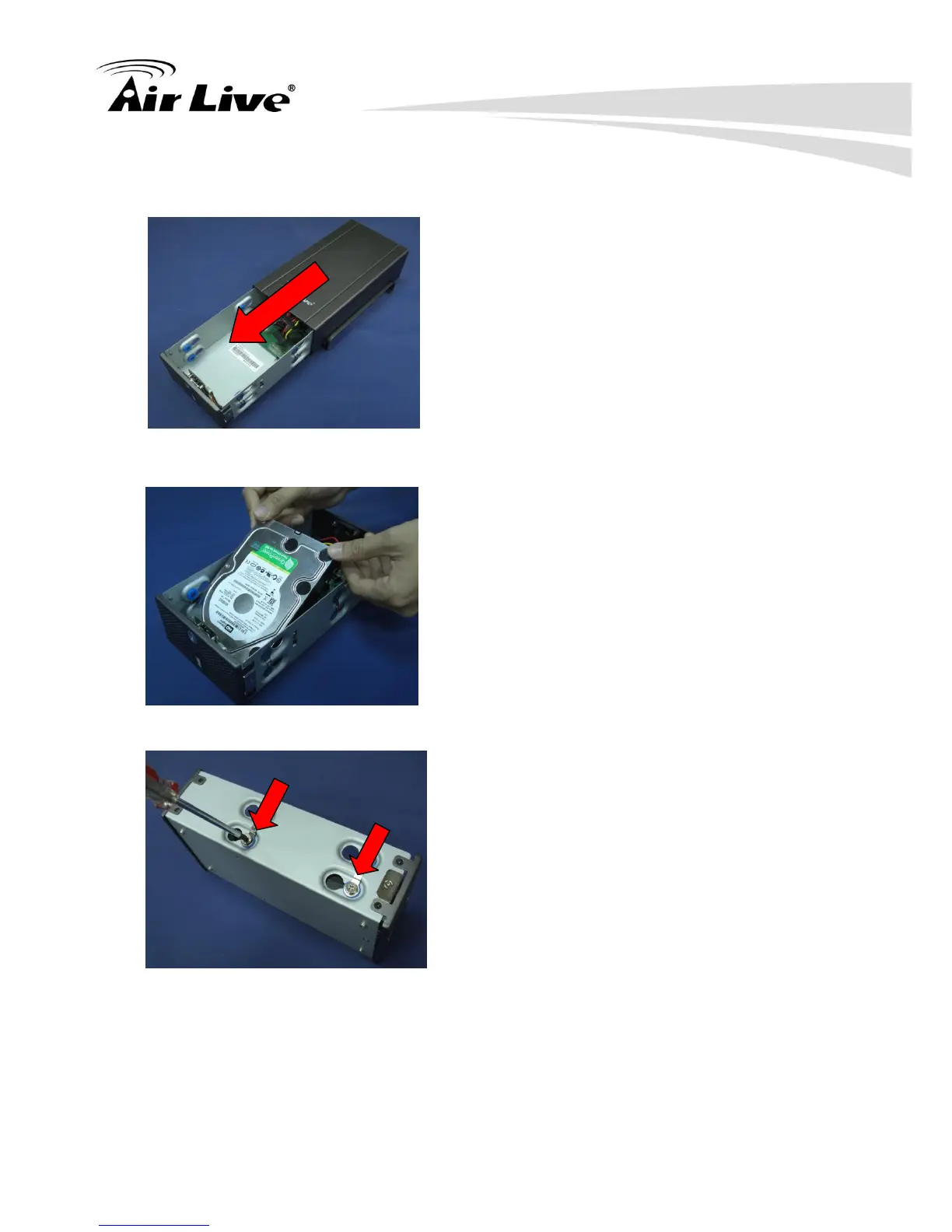
Push the inner enclosure out, and remove the outer chassis.
Install the first hard drive by placing it in the enclosure and connecting the SATA plus
power cables.
Mount the drive with two screws on each side.
Attach the thermal probe with the tape provided to the first hard drive.
Install the second hard drive by placing it in the enclosure and connecting the SATA
plus power cables.
2.3.2 Connect to the NVR
There are various ways you can connect to NVR and below are the suggested methods for



 To Next Page